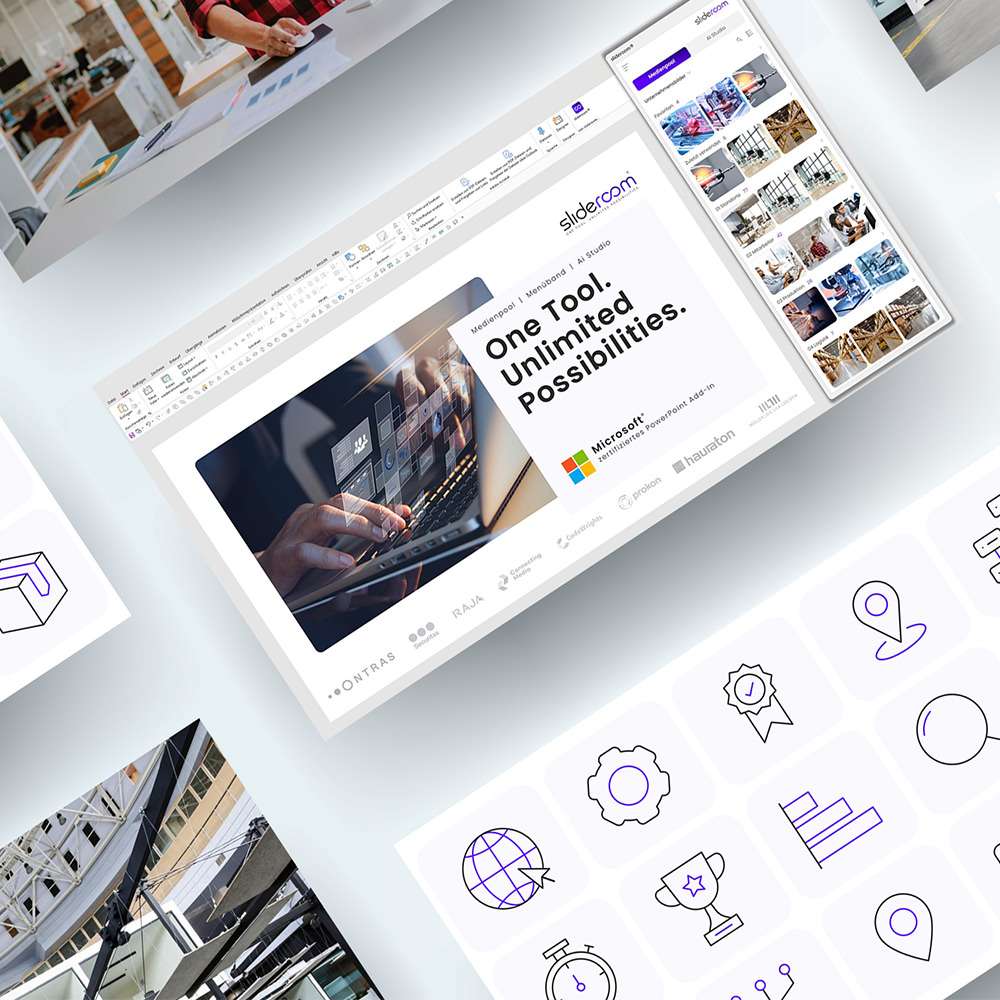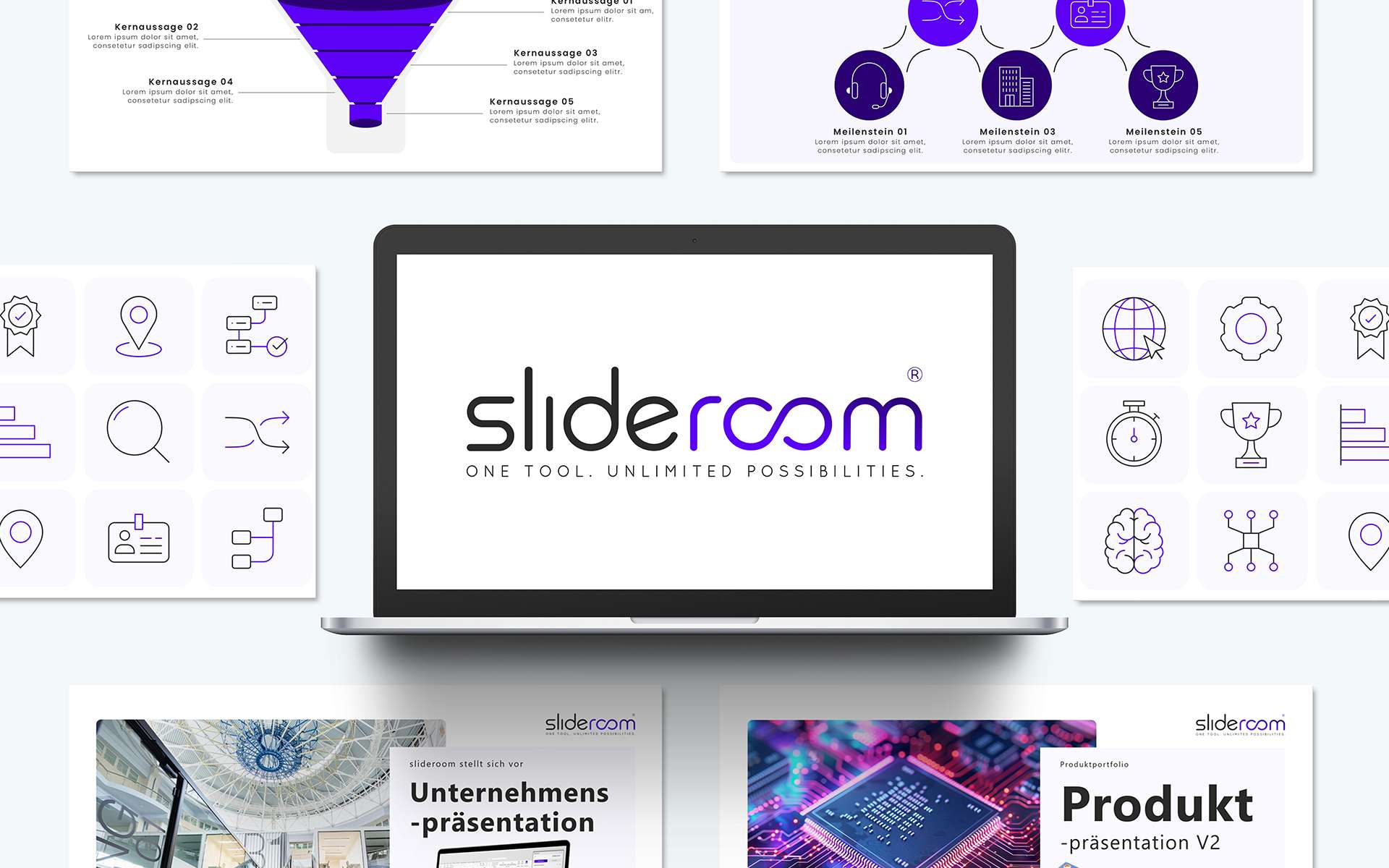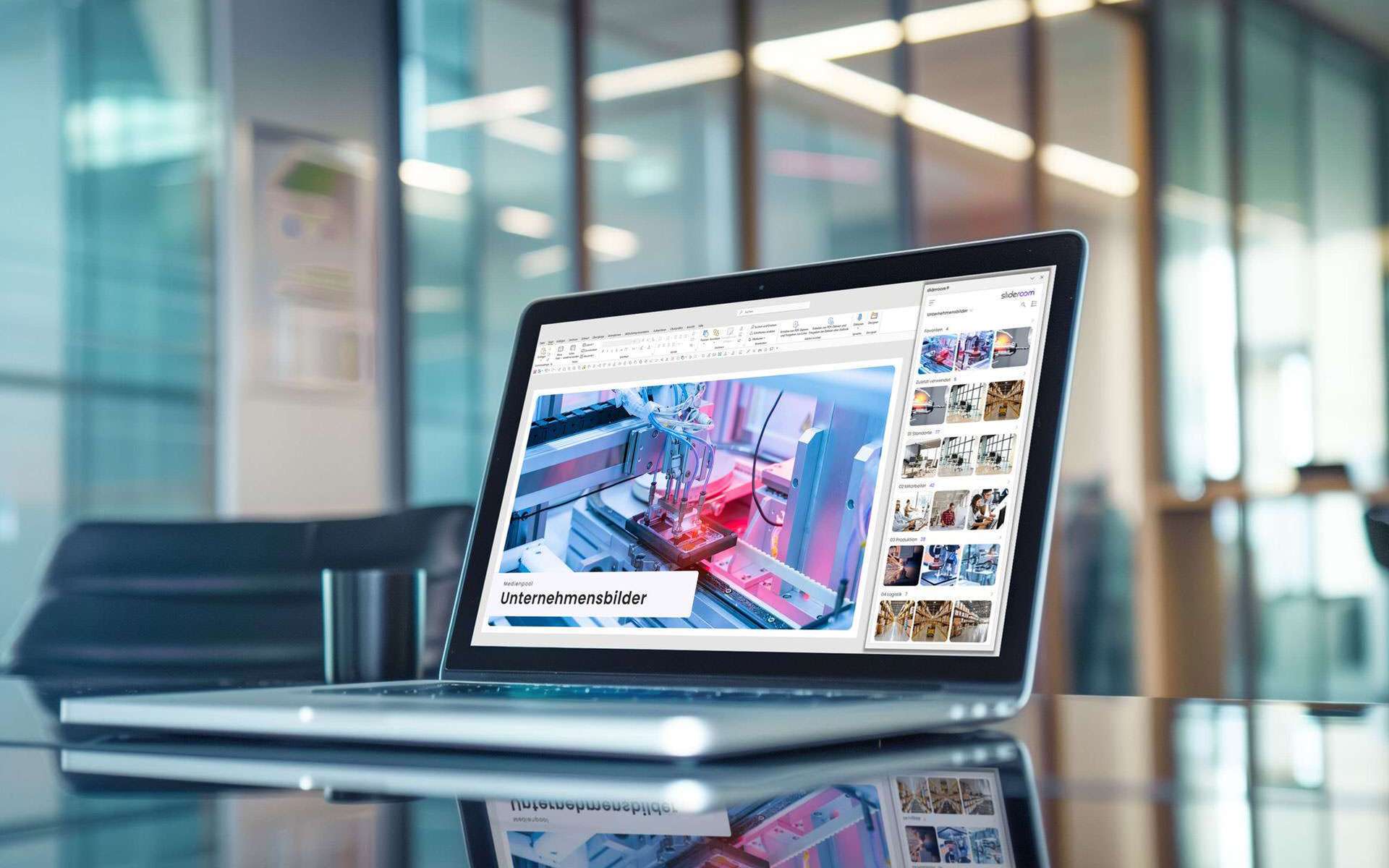
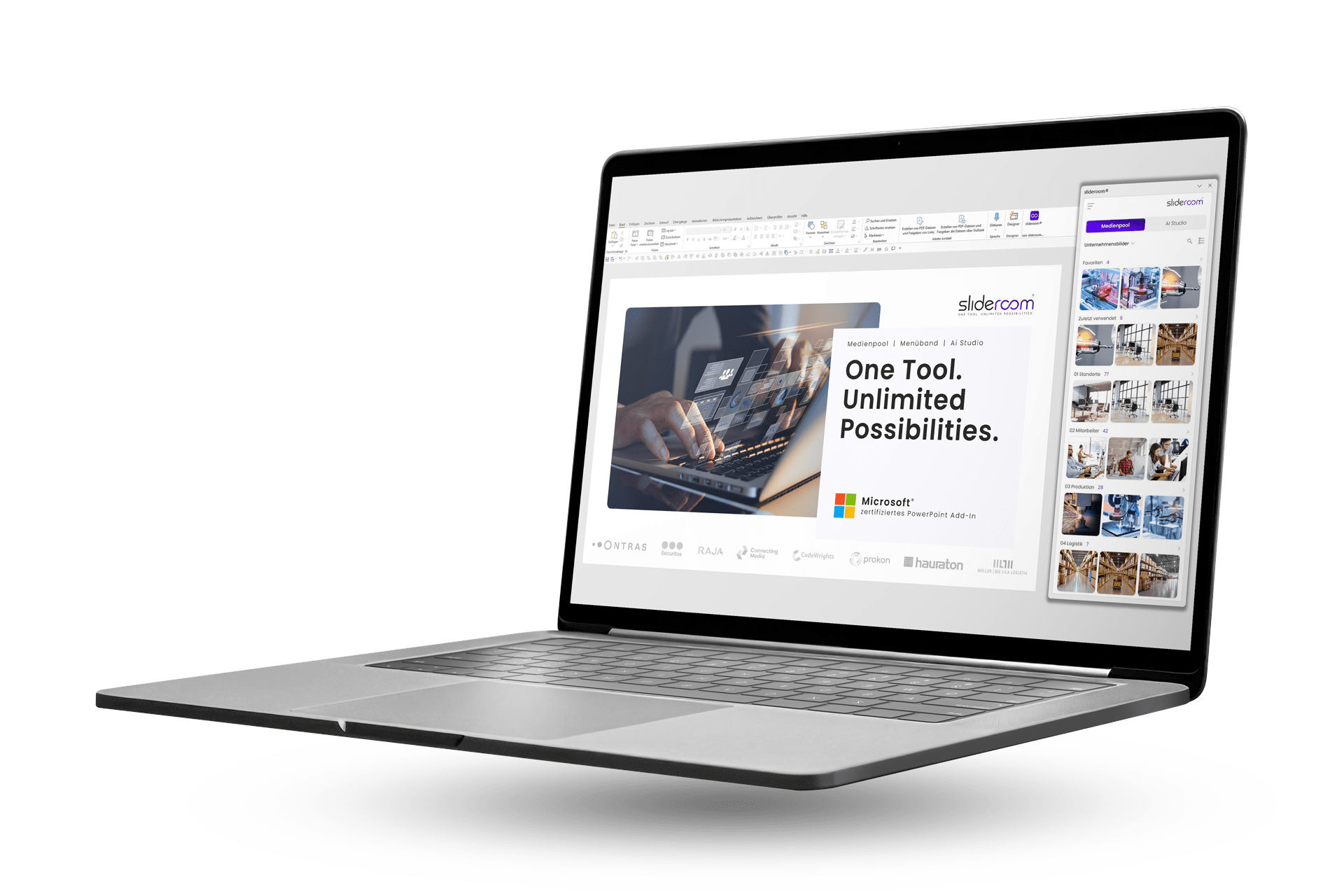











PowerPoint add-in for smart companies slideroom brings artificial intelligence directly into PowerPoint: shorten and optimize texts, translate slides, insert company images, check corporate design: Directly in PowerPoint with a click of the mouse. This allows employees to create CD-compliant presentations 40% faster. Less time required. More impact.
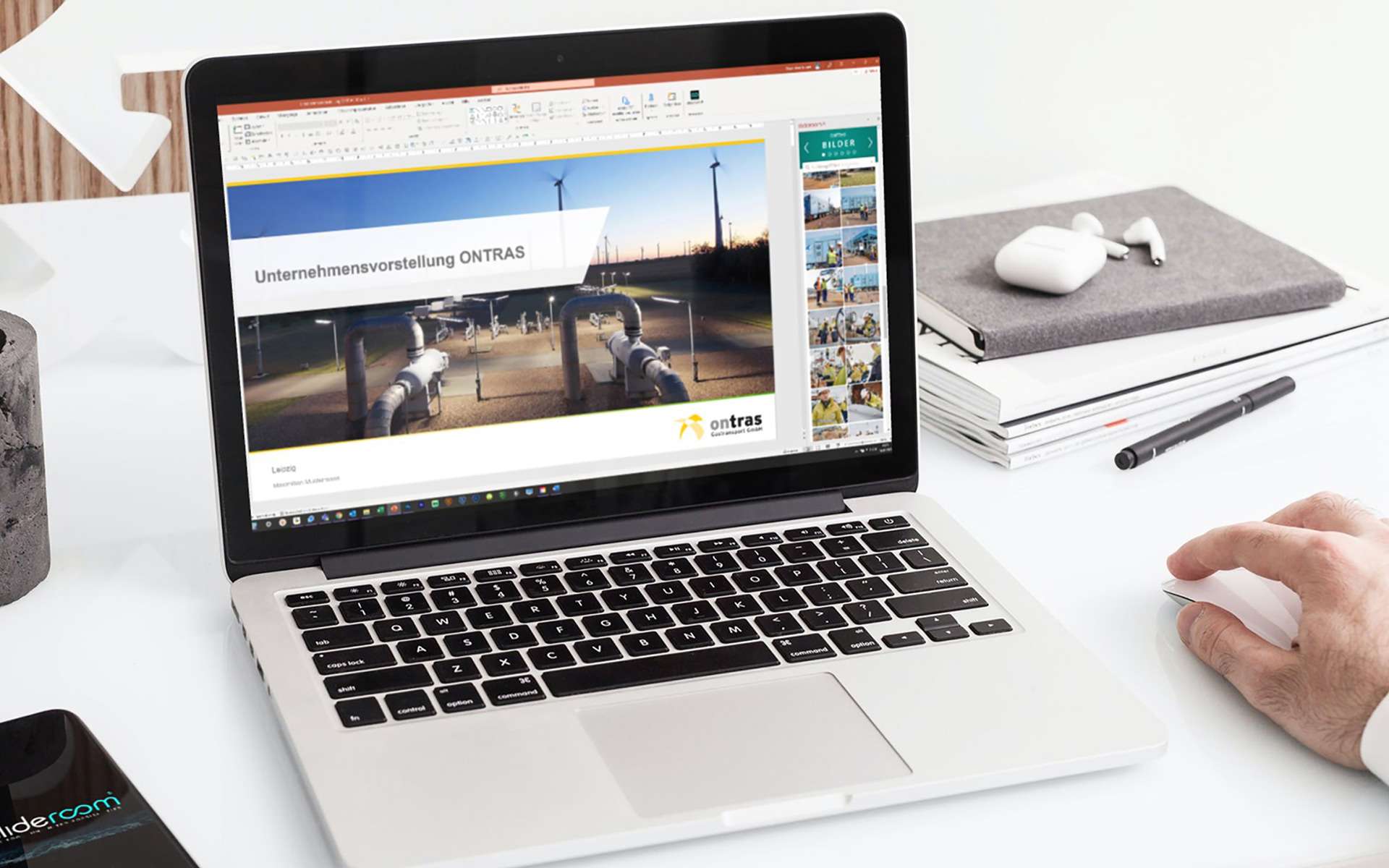
Laptop with slideroom - PowerPoint add-in for companies

PowerPoint meets AI

Create presentations 40% faster

slideroom brings artificial intelligence and new PowerPoint functions directly into PowerPoint: shorten and optimize texts, translate presentations: Directly in PowerPoint with a click of the mouse. Create professional presentations 40% faster. Less time spent. More impact.

Logo Signet slideroom weiß

Test now free of charge

We are convinced by slideroom. To convince you of slideroom too, you can test our free "Free Version" at your leisure. With a reduced scope of services, but with no time limit.

Just try it out and see for yourself.

No time limit.
No payment details required.

Create presentations 40% faster

PowerPoint is one of the biggest productivity killers in companies: Searching for suitable, license-free images, formatting slides and constantly switching to external tools such as Deepl or ChatGPT cost unnecessary working time every day. With slideroom, this is a thing of the past.
Z Z
ALL
a a
MEDIA POOL
MENU BAND
AI STUDIO

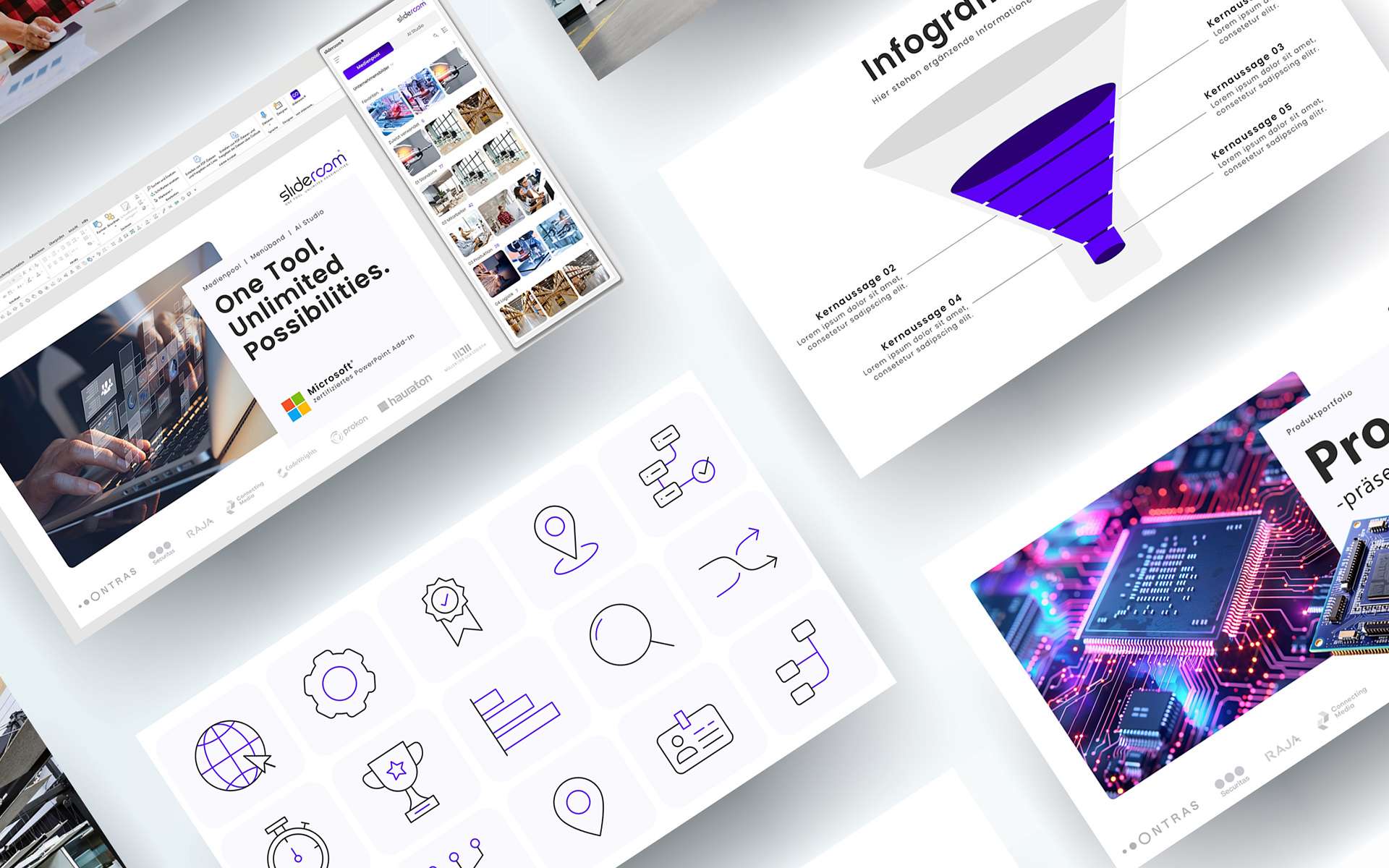
More than just an image database: slideroom is a smart PowerPoint media pool with your content

Creating PowerPoint presentations is part of everyday life for many companies. However, the search for suitable images, icons or templates is often a major challenge. This is exactly where slideroom's media pool comes in. It is the central hub for...

AI meets PowerPoint: Artificial intelligence is revolutionizing the creation of PowerPoint presentations
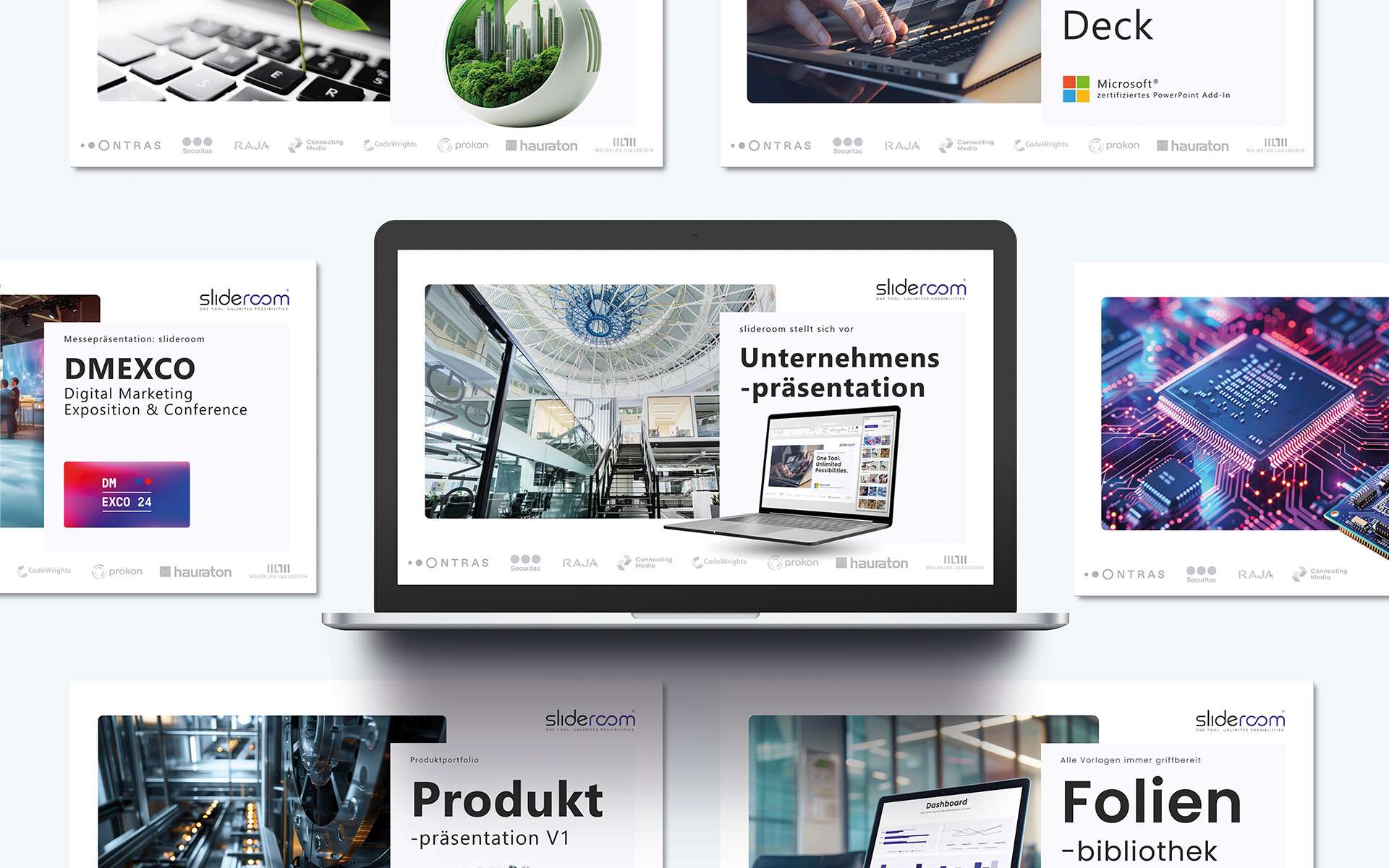
Exciting headlines, compact summaries and visual slides in your company's corporate design (CD): slideeroom's AI Studio completes complex tasks with a click of the mouse. This not only makes PowerPoint presentations significantly higher quality,...

Always up2date: All important company and sales presentations provided centrally

In a dynamic business world, it is crucial that teams always work with the latest presentations. Whether it's important company documents or the latest sales presentations - outdated content can not only disrupt the workflow, but also affect the...

5 million free and royalty-free images: Create visual presentations with powerful images

An impressive PowerPoint presentation depends on meaningful and professional images. But the search for suitable, license-free photos can be time-consuming – until now. With slideroom, creating presentations is easier and faster, because...

CD check: The guarantee for a uniform corporate design in PowerPoint presentations
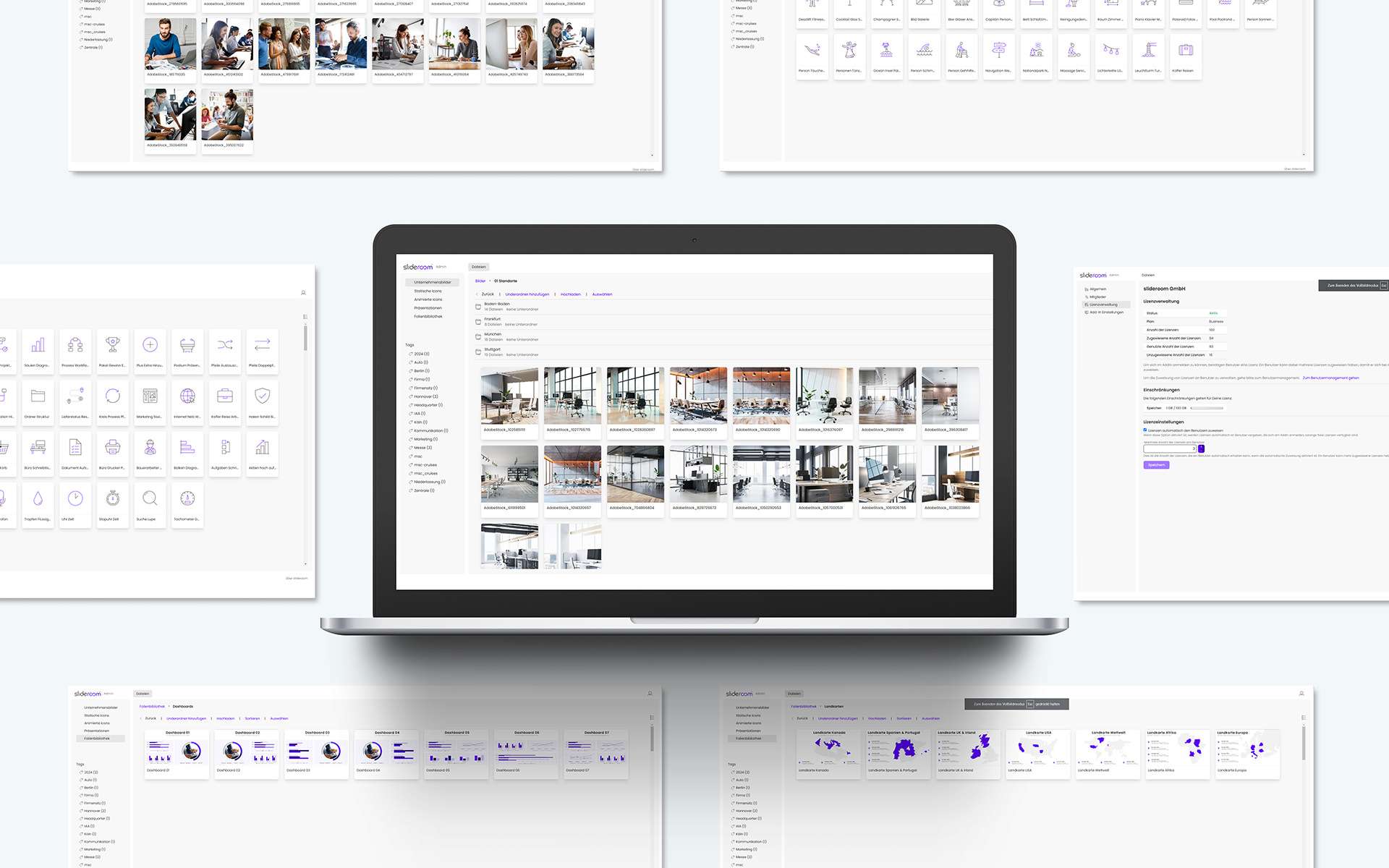
A uniform corporate design is the key to professional and recognizable presentations. It ensures that your brand is perceived consistently - regardless of who created the presentation. However, adhering to specifications regarding fonts, colors,...

Quick and easy: manage all the content of your media pool centrally in the admin area

Efficient working starts with quick and easy access to all the relevant content you need to work. With slideroom, managing your media pool and providing all relevant content directly in PowerPoint is child's play - thanks to a sophisticated admin...

The turbo boost for formatting slides: New PowerPoint functions in slideroom’s smart ribbon (coming soon)

In our smart ribbon, we have put together specially developed PowerPoint functions that save valuable time when creating presentations. This makes formatting slides and designing professional presentations child’s play.

Export Tools: Maximum flexibility when saving and exporting presentations with slideroom

The new, smart ribbon from slideroom revolutionizes the way you save and export your PowerPoint presentations. In addition to the standard PowerPoint options, such as exporting as PDF or video, slideroom offers innovative export tools that give you...

Show/hide animations: Flexible presentation with the smart ribbon from slideroom

Animations are a powerful tool for making presentations more dynamic and appealing. However, depending on the target group, context or personal preference, animations can also be a hindrance. With the new, smart ribbon from slideroom, you now have...

Professional animations in the slideroom ribbon: Elegant movements with one click

The new, smart ribbon from slideroom makes animating in PowerPoint easier and more efficient than ever before. The innovative animation tools allow you to create complex animations effortlessly and use them in your presentations at any time....

Magic brush in the slideroom ribbon: Revolutionary formatting for PowerPoint

The slideroom ribbon brings the Magic Brush, a feature that gives PowerPoint users maximum control and efficiency when formatting presentations. With this innovative tool, you can transfer properties such as size, position, formatting, adjustments...

Smart resizing in PowerPoint: perfect uniformity with slideroom

A uniform design is crucial for a professional PowerPoint presentation. With the new "smart resizing" function in the smart ribbon of slideroom, you can adjust selected objects to a uniform size, width or height in no time at all. This function not...

Perfect object division in PowerPoint: With the smart ribbon from slideroom

An even and precise division of objects can significantly enhance the design of your presentation and ensure a professional appearance. With the new "Divide objects" function in slideroom's smart ribbon, you can easily transform objects in...

CD-compliant alignment of objects: Precise working with the smart ribbon from slideroom

Perfect presentations require a well thought-out layout and accurate alignment of all objects - be it images, text fields, shapes or icons. With slideroom's smart ribbon, you have the ultimate solution for CD-compliant alignment of objects directly...

Translate your PowerPoint presentation with artificial intelligence in just a few seconds

The world is becoming increasingly globalized and communication across language barriers has long been part of everyday life for many companies. Whether for international teams, global customers or presentations at international conferences -...

Exciting headlines and convincing arguments: smart text optimization with artificial intelligence

Every successful presentation stands and falls with the quality of your texts. From catchy headlines to convincing arguments - the right words determine whether your audience listens enthusiastically or switches off when bored. But optimizing copy...

To the point: Summarizing long texts to the essentials with artificial intelligence

In today's fast-paced world, time is one of the most valuable resources. Whether in companies, at university or in everyday life - long texts characterize our daily lives. But we don't always have the time to work our way through pages of reports,...

All your company’s images available as an image database directly in PowerPoint
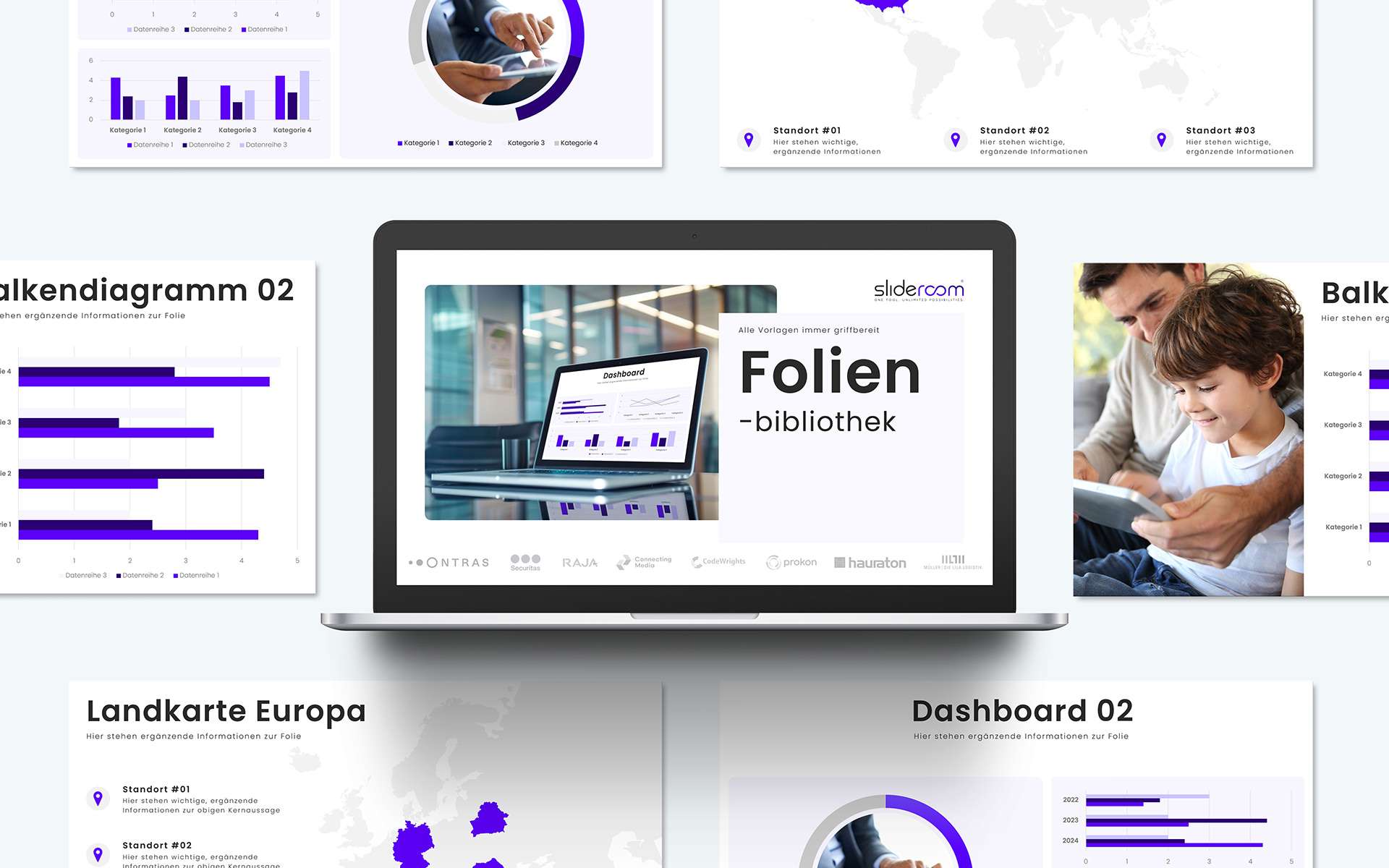
Who hasn't experienced this? You're working on an important PowerPoint presentation and spend valuable time searching for the right images. With slideroom, this is a thing of the past! The innovative PowerPoint add-in makes all your company's...

Slide library for PowerPoint: All templates (diagrams, processes, etc.) clearly structured

If you want to create visually appealing presentations in a short space of time, you need suitable templates - be it for diagrams, process illustrations or other presentation elements. But the search for the right slide can be time-consuming. With...

PowerPoint Icon Set: Insert all your company’s icons into PowerPoint with a click of the mouse
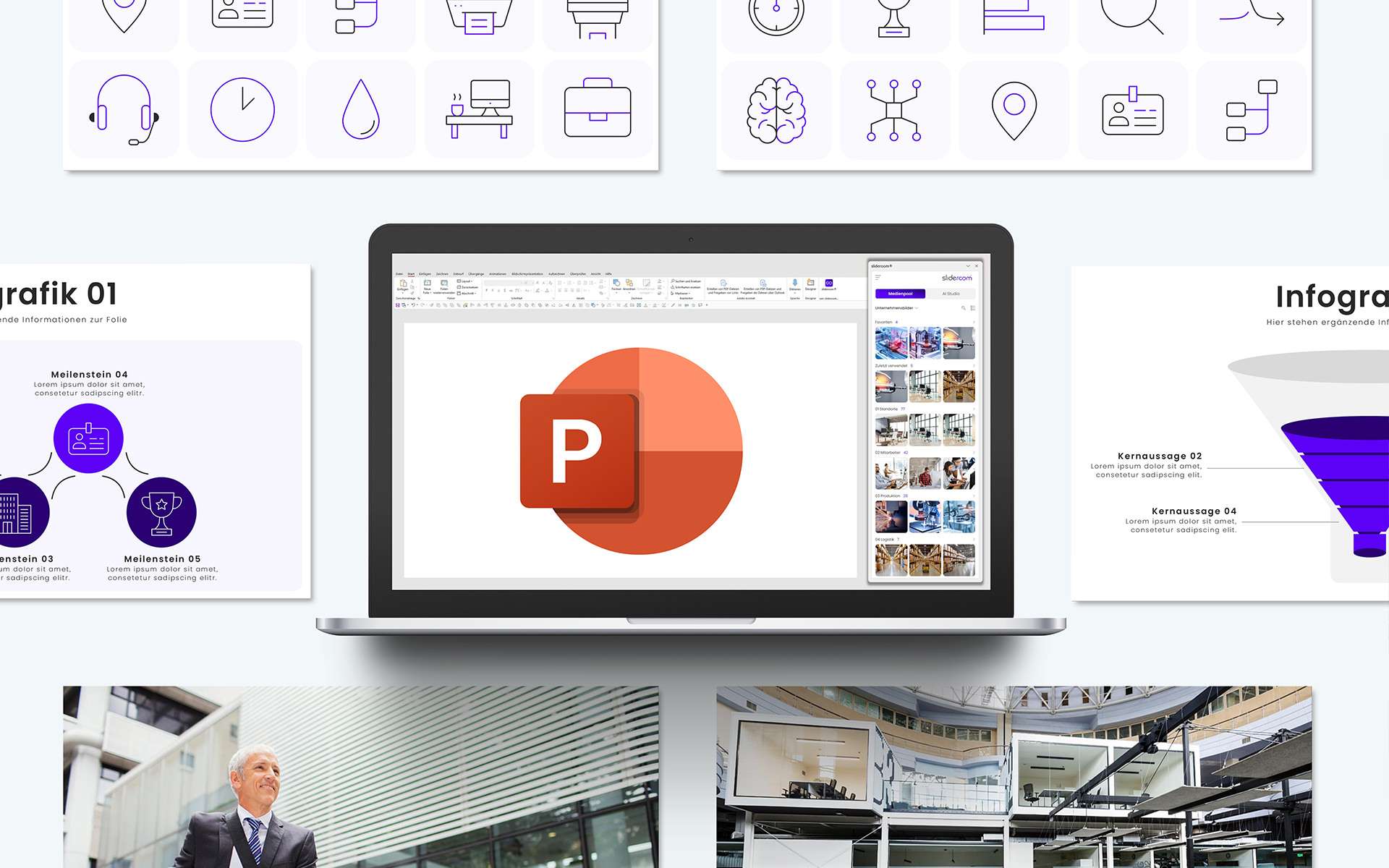
Icons have become an integral part of modern presentations. They visualize complex content, create recognition value and give presentations a professional appearance. But what if all company icons were available at any time and directly in...

Optimized for presentations: Images, icons and graphics compressed and editable directly in PowerPoint
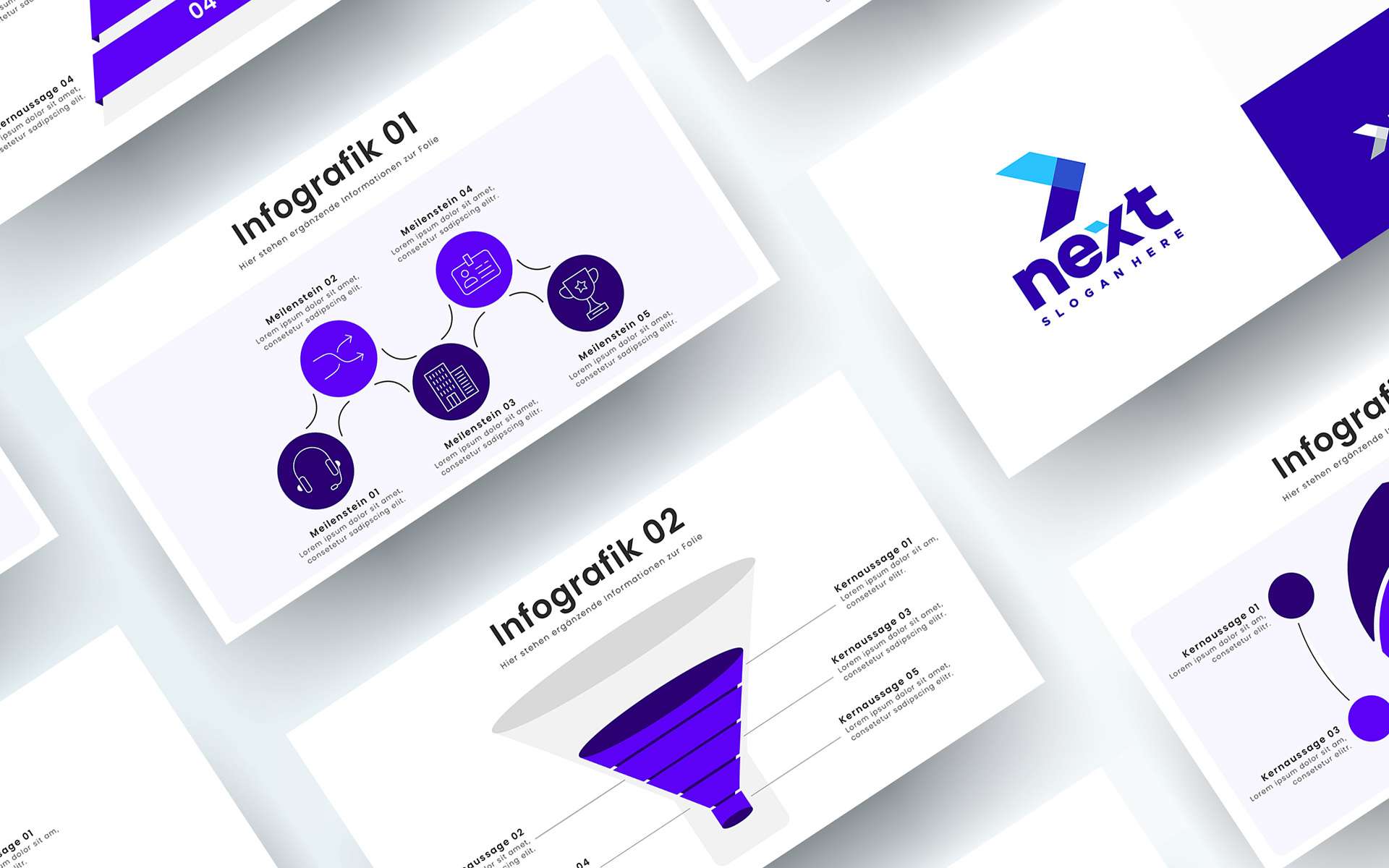
A convincing presentation depends on visual elements such as images, icons and graphics. However, this content is often available in a quality or size that is not suitable for PowerPoint: slideroom solves this problem with a sophisticated...

Graphics, logos and much more: the media pool is your individual PowerPoint database
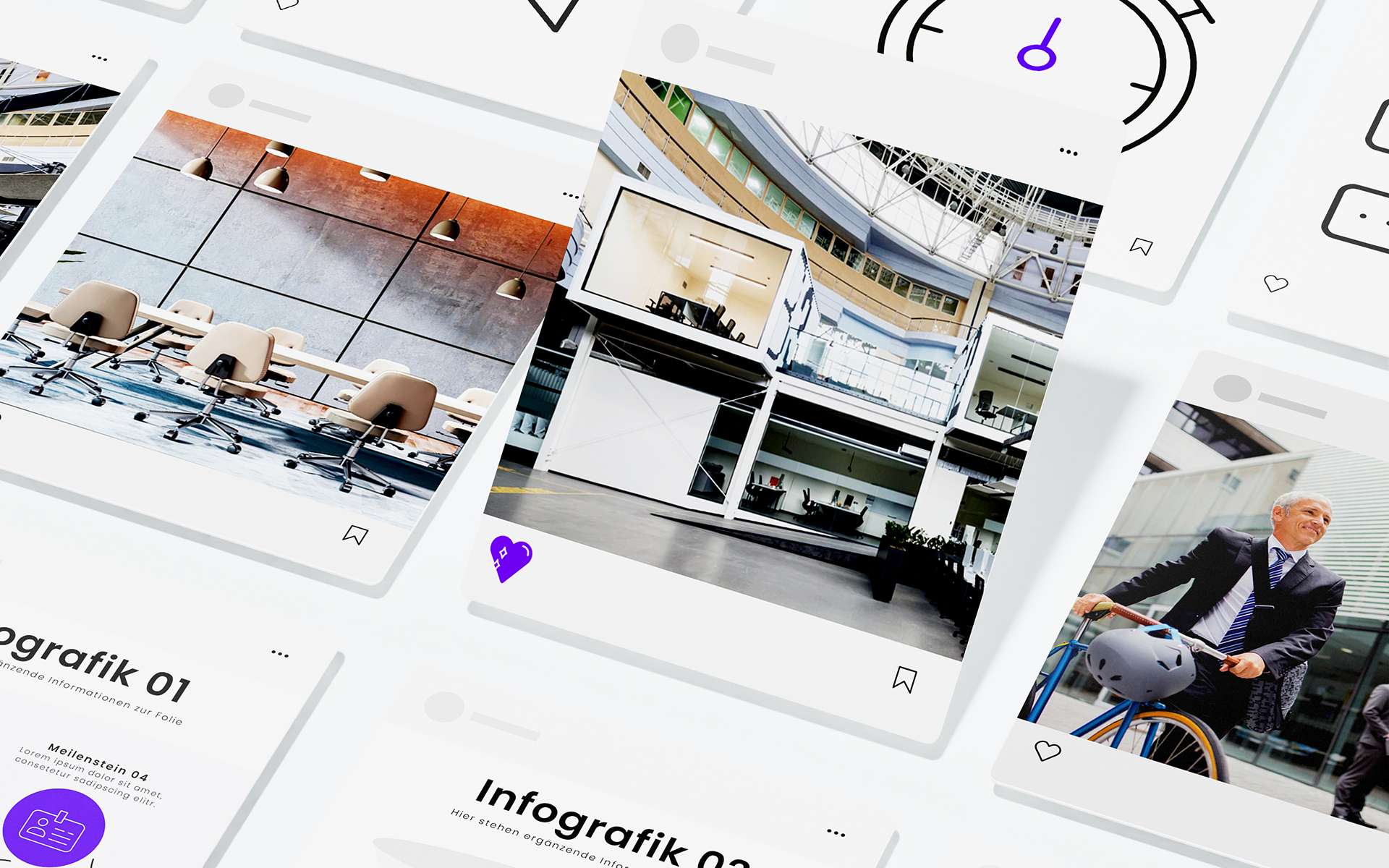
Anyone who regularly creates presentations knows how important it is to have the right materials quickly to hand. From company logos and graphics to templates - without a central data source, searching for the required elements can take a lot of...

Favorites turn the media pool into your personal PowerPoint assistant
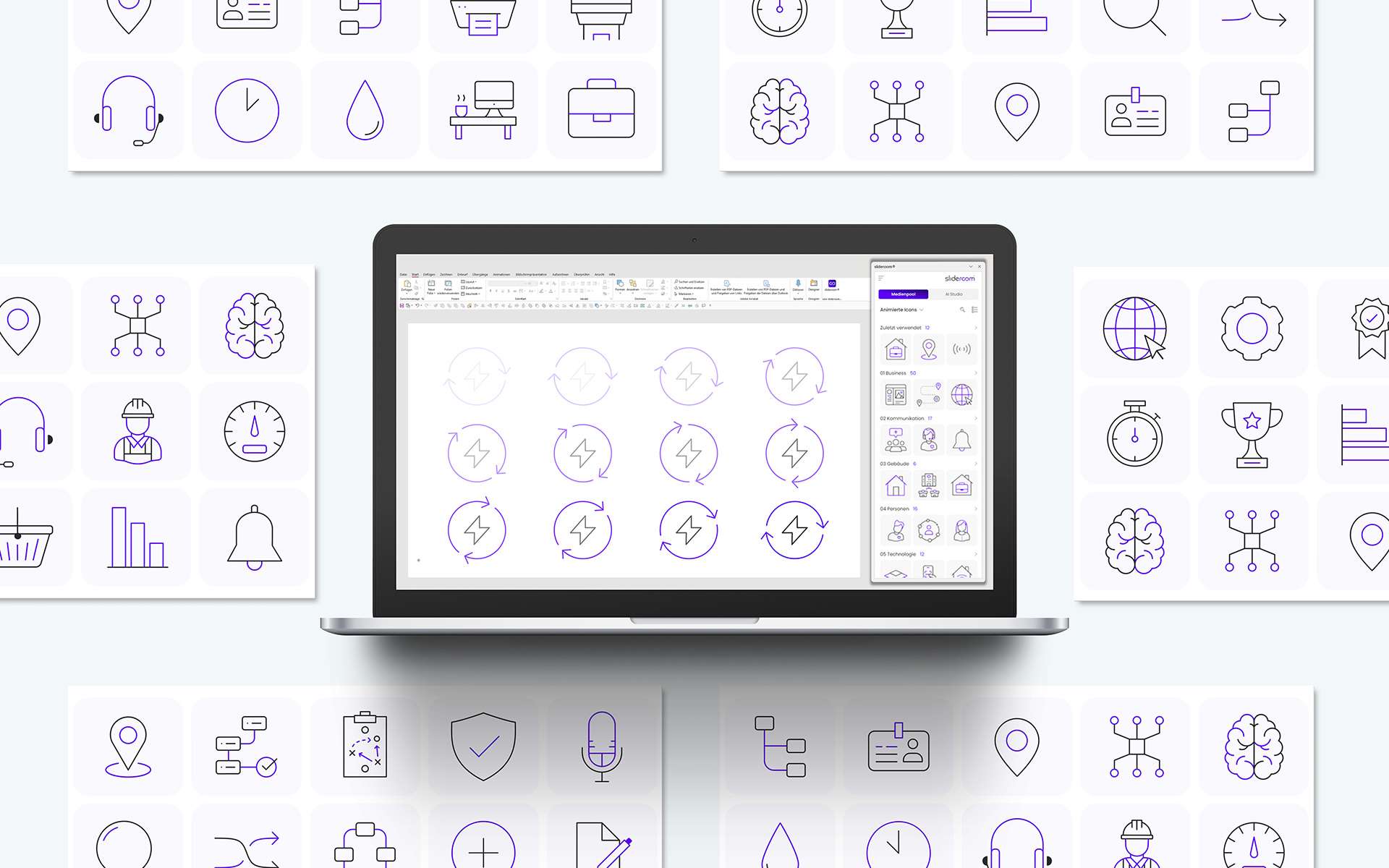
In the hustle and bustle of everyday work, efficiency is key. If you regularly work with PowerPoint, you're probably familiar with the problem: you're looking for a specific image, slide or icon that you've recently used - and wasting valuable time...

Professionally animated PowerPoint icons increase attention during your presentation

A successful presentation depends on its visual design. Professionally animated icons play a decisive role in conveying content clearly and attractively. With slideroom, you can not only create your PowerPoint presentations more efficiently, but...

More than just an image database: slideroom is a smart PowerPoint media pool with your content

Creating PowerPoint presentations is part of everyday life for many companies. However, the search for suitable images, icons or templates is often a major challenge. This is exactly where slideroom's media pool comes in. It is the central hub for...

Always up2date: All important company and sales presentations provided centrally

In a dynamic business world, it is crucial that teams always work with the latest presentations. Whether it's important company documents or the latest sales presentations - outdated content can not only disrupt the workflow, but also affect the...

5 million free and royalty-free images: Create visual presentations with powerful images

An impressive PowerPoint presentation depends on meaningful and professional images. But the search for suitable, license-free photos can be time-consuming – until now. With slideroom, creating presentations is easier and faster, because...

Quick and easy: manage all the content of your media pool centrally in the admin area

Efficient working starts with quick and easy access to all the relevant content you need to work. With slideroom, managing your media pool and providing all relevant content directly in PowerPoint is child's play - thanks to a sophisticated admin...

All your company’s images available as an image database directly in PowerPoint

Who hasn't experienced this? You're working on an important PowerPoint presentation and spend valuable time searching for the right images. With slideroom, this is a thing of the past! The innovative PowerPoint add-in makes all your company's...

Slide library for PowerPoint: All templates (diagrams, processes, etc.) clearly structured

If you want to create visually appealing presentations in a short space of time, you need suitable templates - be it for diagrams, process illustrations or other presentation elements. But the search for the right slide can be time-consuming. With...

PowerPoint Icon Set: Insert all your company’s icons into PowerPoint with a click of the mouse

Icons have become an integral part of modern presentations. They visualize complex content, create recognition value and give presentations a professional appearance. But what if all company icons were available at any time and directly in...

Optimized for presentations: Images, icons and graphics compressed and editable directly in PowerPoint

A convincing presentation depends on visual elements such as images, icons and graphics. However, this content is often available in a quality or size that is not suitable for PowerPoint: slideroom solves this problem with a sophisticated...

Graphics, logos and much more: the media pool is your individual PowerPoint database

Anyone who regularly creates presentations knows how important it is to have the right materials quickly to hand. From company logos and graphics to templates - without a central data source, searching for the required elements can take a lot of...

Favorites turn the media pool into your personal PowerPoint assistant

In the hustle and bustle of everyday work, efficiency is key. If you regularly work with PowerPoint, you're probably familiar with the problem: you're looking for a specific image, slide or icon that you've recently used - and wasting valuable time...

Professionally animated PowerPoint icons increase attention during your presentation

A successful presentation depends on its visual design. Professionally animated icons play a decisive role in conveying content clearly and attractively. With slideroom, you can not only create your PowerPoint presentations more efficiently, but...

The turbo boost for formatting slides: New PowerPoint functions in slideroom’s smart ribbon (coming soon)

In our smart ribbon, we have put together specially developed PowerPoint functions that save valuable time when creating presentations. This makes formatting slides and designing professional presentations child’s play.

Export Tools: Maximum flexibility when saving and exporting presentations with slideroom

The new, smart ribbon from slideroom revolutionizes the way you save and export your PowerPoint presentations. In addition to the standard PowerPoint options, such as exporting as PDF or video, slideroom offers innovative export tools that give you...

Show/hide animations: Flexible presentation with the smart ribbon from slideroom

Animations are a powerful tool for making presentations more dynamic and appealing. However, depending on the target group, context or personal preference, animations can also be a hindrance. With the new, smart ribbon from slideroom, you now have...

Professional animations in the slideroom ribbon: Elegant movements with one click

The new, smart ribbon from slideroom makes animating in PowerPoint easier and more efficient than ever before. The innovative animation tools allow you to create complex animations effortlessly and use them in your presentations at any time....

Magic brush in the slideroom ribbon: Revolutionary formatting for PowerPoint

The slideroom ribbon brings the Magic Brush, a feature that gives PowerPoint users maximum control and efficiency when formatting presentations. With this innovative tool, you can transfer properties such as size, position, formatting, adjustments...

Smart resizing in PowerPoint: perfect uniformity with slideroom

A uniform design is crucial for a professional PowerPoint presentation. With the new "smart resizing" function in the smart ribbon of slideroom, you can adjust selected objects to a uniform size, width or height in no time at all. This function not...

Perfect object division in PowerPoint: With the smart ribbon from slideroom

An even and precise division of objects can significantly enhance the design of your presentation and ensure a professional appearance. With the new "Divide objects" function in slideroom's smart ribbon, you can easily transform objects in...

CD-compliant alignment of objects: Precise working with the smart ribbon from slideroom

Perfect presentations require a well thought-out layout and accurate alignment of all objects - be it images, text fields, shapes or icons. With slideroom's smart ribbon, you have the ultimate solution for CD-compliant alignment of objects directly...

AI meets PowerPoint: Artificial intelligence is revolutionizing the creation of PowerPoint presentations

Exciting headlines, compact summaries and visual slides in your company's corporate design (CD): slideeroom's AI Studio completes complex tasks with a click of the mouse. This not only makes PowerPoint presentations significantly higher quality,...

CD check: The guarantee for a uniform corporate design in PowerPoint presentations

A uniform corporate design is the key to professional and recognizable presentations. It ensures that your brand is perceived consistently - regardless of who created the presentation. However, adhering to specifications regarding fonts, colors,...

Translate your PowerPoint presentation with artificial intelligence in just a few seconds

The world is becoming increasingly globalized and communication across language barriers has long been part of everyday life for many companies. Whether for international teams, global customers or presentations at international conferences -...

Exciting headlines and convincing arguments: smart text optimization with artificial intelligence

Every successful presentation stands and falls with the quality of your texts. From catchy headlines to convincing arguments - the right words determine whether your audience listens enthusiastically or switches off when bored. But optimizing copy...

To the point: Summarizing long texts to the essentials with artificial intelligence

In today's fast-paced world, time is one of the most valuable resources. Whether in companies, at university or in everyday life - long texts characterize our daily lives. But we don't always have the time to work our way through pages of reports,...

You can rely on this:
Data protection and security

At slideroom, data protection and security are our top priority. We use the highest industry standards to develop secure code and protect all data. Our robust security infrastructure and processes ensure that slideroom is always reliable and compliant with data protection regulations.


Microsoft Certification
slideroom is an officially Microsoft-certified PowerPoint add-in and is available in the official Microsoft Store. As a member of the Microsoft Insider Program, we are in regular contact with Microsoft to ensure that slideroom is always up to date.
Microsoft Certification
slideroom is an officially Microsoft-certified PowerPoint add-in and is available in the official Microsoft Store. As a member of the Microsoft Insider Program, we are in regular contact with Microsoft to ensure that slideroom is always up to date.
Microsoft Certification
GDPR
All company media and personal data are comprehensively protected by a wide range of security measures. All requirements of the General Data Protection Regulation (GDPR) are taken into account in detail and guaranteed.
GDPR
All company media and personal data are comprehensively protected by a wide range of security measures. All requirements of the General Data Protection Regulation (GDPR) are taken into account in detail and guaranteed.
Microsoft Azure
slideroom is hosted via Microsoft Azure in the "Germany West Central" region on the basis of German data protection regulations. This guarantees the highest standard of security for all stored data.
Microsoft Azure
slideroom is hosted via Microsoft Azure in the "Germany West Central" region on the basis of German data protection regulations. This guarantees the highest standard of security for all stored data.
Microsoft Entra ID
With Microsoft Entra Connect Sync, companies can implement the registration and administration of their users securely and automatically. This reduces the administrative effort and minimizes sources of error, as manual entries are no longer necessary.
Microsoft Entra ID
With Microsoft Entra Connect Sync, companies can implement the registration and administration of their users securely and automatically. This reduces the administrative effort and minimizes sources of error, as manual entries are no longer necessary.
Technical documentation
This technical documentation describes the structural architecture, security measures regarding data flow and processing, authentication and authorization as well as the operation and maintenance of the PowerPoint add-in slideroom: Download
Technical documentation
This technical documentation describes the structural architecture, security measures regarding data flow and processing, authentication and authorization as well as the operation and maintenance of the PowerPoint add-in slideroom: Download
Technical documentation

Why do you need a PowerPoint add-in at all
?

Microsoft PowerPoint is one of the biggest performance and productivity killers in almost all companies: The search for suitable images, icons or slides, unnecessary duplication of work and the constant switching to external tools such as Deepl or ChatGPT cost employees valuable working time every day, which is wasted elsewhere. Day after day. Week after week.
0h
per week office employees work with PowerPoint on average
0%
of all presentations violate the corporate design (CD) of companies
0%
of all employees have a need for automation through macros or add-ins

Satisfied customers.
Convinced employees.

Hauraton GmbH & Co KG
"Our presentations are often the first impression that potential customers or partners get of us. It was therefore crucial for us to find a tool that makes our corporate design guidelines easy to implement and at the same time supports our employees in the creation of presentations. slideroom has really made a difference in our day-to-day marketing work. Our teams can now access standardized, professional presentation materials and customize them efficiently. This not only saves a huge amount of time, but also ensures compliance with our corporate design standards. With slideroom, we achieve the perfect balance between efficiency and professionalism. It's more than just a tool - it's a real game changer."
Markus Obreiter | Head of Marketing at HAURATON
"Our presentations are often the first impression that potential customers or partners get of us. It was therefore crucial for us to find a tool that makes our corporate design guidelines easy to implement and at the same time supports our employees in the creation of presentations. slideroom has really made a difference in our day-to-day marketing work. Our teams can now access standardized, professional presentation materials and customize them efficiently. This not only saves a huge amount of time, but also ensures compliance with our corporate design standards. With slideroom, we achieve the perfect balance between efficiency and professionalism. It's more than just a tool - it's a real game changer."
Hauraton GmbH & Co KG
Markus Obreiter | Head of Marketing at HAURATON
Connecting Media GmbH
"Manually maintaining slides, adhering to CD guidelines and searching for up-to-date images or icons not only cost us a lot of time, but also led to inconsistency. slideroom has enabled us to completely rethink our PowerPoint work. The central media pool, the smart tools for object editing and the corporate design check in AI Studio make creating presentations faster and easier. We are particularly impressed by the data security that slideroom guarantees through the integration of Microsoft Azure. With slideroom, we have not only found a tool that makes our work much easier, but also fully meets our security requirements. The combination of efficiency and data security makes slideroom an indispensable tool for our company."
Andreas Kunz | Managing Director
"Manually maintaining slides, adhering to CD guidelines and searching for up-to-date images or icons not only cost us a lot of time, but also led to inconsistency. slideroom has enabled us to completely rethink our PowerPoint work. The central media pool, the smart tools for object editing and the corporate design check in AI Studio make creating presentations faster and easier. We are particularly impressed by the data security that slideroom guarantees through the integration of Microsoft Azure. With slideroom, we have not only found a tool that makes our work much easier, but also fully meets our security requirements. The combination of efficiency and data security makes slideroom an indispensable tool for our company."
Connecting Media GmbH
Andreas Kunz | Managing Director
Ontras
"We work with around 380 employees at 13 locations. Adhering to the corporate design specifications in our PowerPoint presentations has always been a major challenge for us. With slideroom, we have now found a tool that makes working in PowerPoint easier and, above all, faster for all employees. With direct access to the always up-to-date templates, our image world and our icons, employees not only save valuable working time when creating their presentations, but also work much more visually than before. slideroom really makes work easier - also for us in corporate communications, because we can make up-to-date material available to all employees in slideroom with just a few clicks."
Anne Peters | Corporate Communications
"We work with around 380 employees at 13 locations. Adhering to the corporate design specifications in our PowerPoint presentations has always been a major challenge for us. With slideroom, we have now found a tool that makes working in PowerPoint easier and, above all, faster for all employees. With direct access to the always up-to-date templates, our image world and our icons, employees not only save valuable working time when creating their presentations, but also work much more visually than before. slideroom really makes work easier - also for us in corporate communications, because we can make up-to-date material available to all employees in slideroom with just a few clicks."
Ontras
Anne Peters | Corporate Communications
Securitas
"We use "slideroom" almost every day to create high-quality company presentations, which saves us time and stimulates our creativity. We are completely satisfied with the handling, the content and the customer support."
Simone Gillner | Management Assistant
"We use "slideroom" almost every day to create high-quality company presentations, which saves us time and stimulates our creativity. We are completely satisfied with the handling, the content and the customer support."
Securitas
Simone Gillner | Management Assistant
Rajapack
"Thanks to slideroom, our employees have the toolbox they need for company-compliant and fresh presentations. In addition to existing icons and graphics, we can also make our own RAJA logos, icons and company images available for PowerPoint creation across departments in a very simple way. The number of inquiries in the communications department has fallen significantly over the last 3 years. Important for this: slideroom is user-friendly, in the front and back end! We like it! :)"
Katrin Pavelka | Head PR & Events
"Thanks to slideroom, our employees have the toolbox they need for company-compliant and fresh presentations. In addition to existing icons and graphics, we can also make our own RAJA logos, icons and company images available for PowerPoint creation across departments in a very simple way. The number of inquiries in the communications department has fallen significantly over the last 3 years. Important for this: slideroom is user-friendly, in the front and back end! We like it! :)"
Rajapack
Katrin Pavelka | Head PR & Events
Logo Signet slideroom weiß

Test now free of charge

We are convinced by slideroom. To convince you of slideroom too, you can test our free "Free Version" at your leisure. With a reduced scope of services, but with no time limit.

Just try it out and see for yourself.

No time limit.
No payment details required.

Do you have any questions or are you interested in a personal meeting?

We are here for you:
+49 7221 944 7887 | info@slideroom.ai

14 + 13 =

Latest news

PowerPoint presentations in record time – how Connecting Media did it

Connecting Media GmbH, a leading IT service provider in the field of IT security solutions, has made it its mission to accompany companies securely and efficiently into the digital future. An important part of this mission is professional and...

How HAURATON from Rastatt ensures the CD-compliant creation of presentations worldwide with slideroom

For over 65 years, Hauraton GmbH & Co. KG has been setting global standards in the field of rainwater management. As a family-run company in its third generation, HAURATON has established itself as one of the market leaders not only through its...
PowerPoint-Präsentationen mit Corporate Design

PowerPoint presentations in corporate design: ONTRAS relies on slideroom

By using slideroom, Ontras has not only increased the quality and persuasiveness of its presentations, but also ensured a uniform appearance in PowerPoint. PowerPoint presentations in corporate design: uncontrolled growth is a thing of the past....
PowerPoint Präsentationen professionell erstellen mit slideroom

Developed by PowerPoint experts: slideroom revolutionizes presentation creation

Creating professional PowerPoint presentations requires more than just technical know-how - it's about design, target group orientation and efficiency. slideroom was developed to meet precisely these requirements. But slideroom is not just a tool -...

Create professional and CD-compliant PowerPoint presentations: With slideroom, the smart all-in-one PowerPoint add-in

In the business world, professional and efficient presentations are the key to success. This is exactly where slideroom comes in: an innovative PowerPoint add-in that helps companies create high-quality presentations in less time. But slideroom is...

Efficiency and creativity on a new level: with the media pool, AI Studio (incl. CD check) and smart ribbon from slideroom

In today's business world, PowerPoint presentations are essential for presenting ideas, planning projects or introducing strategies. But the path to the perfect presentation is often time-consuming and involves many small, recurring tasks. The...

Support

We are happy to help you with technical questions or problems.

slideroom GmbH

Gewerbepark Cité 4
76532 Baden-Baden

E-mail
info@slideroom.ai

Contact sales

Together we will find the perfect solution to take your organization to the next PowerPoint level.

slideroom GmbH

Gewerbepark Cité 4
76532 Baden-Baden

E-mail
info@slideroom.ai