
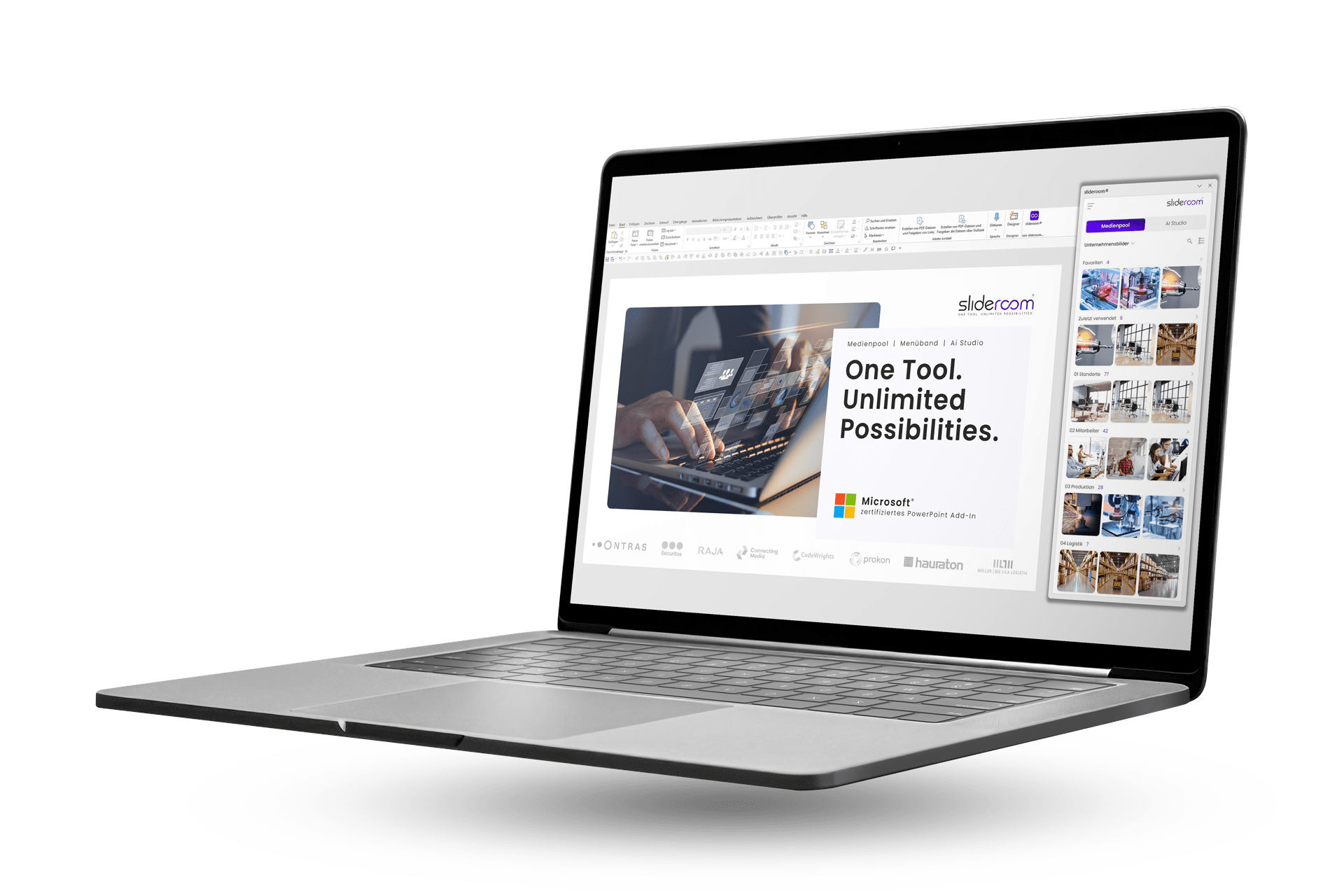












Test now free of charge
We are convinced by slideroom. To convince yourself of slideroom, you can test our free "Free Version" at your leisure. With no time limit.
No time limit.
No payment details required.
Just try it out and see for yourself.
Create presentations 40% faster
PowerPoint is one of the biggest productivity killers in companies: Searching for suitable, license-free images, formatting slides and constantly switching to external tools such as Deepl or ChatGPT cost unnecessary working time every day. With slideroom, this is a thing of the past.

5 million free and royalty-free images: Create visual presentations with powerful images
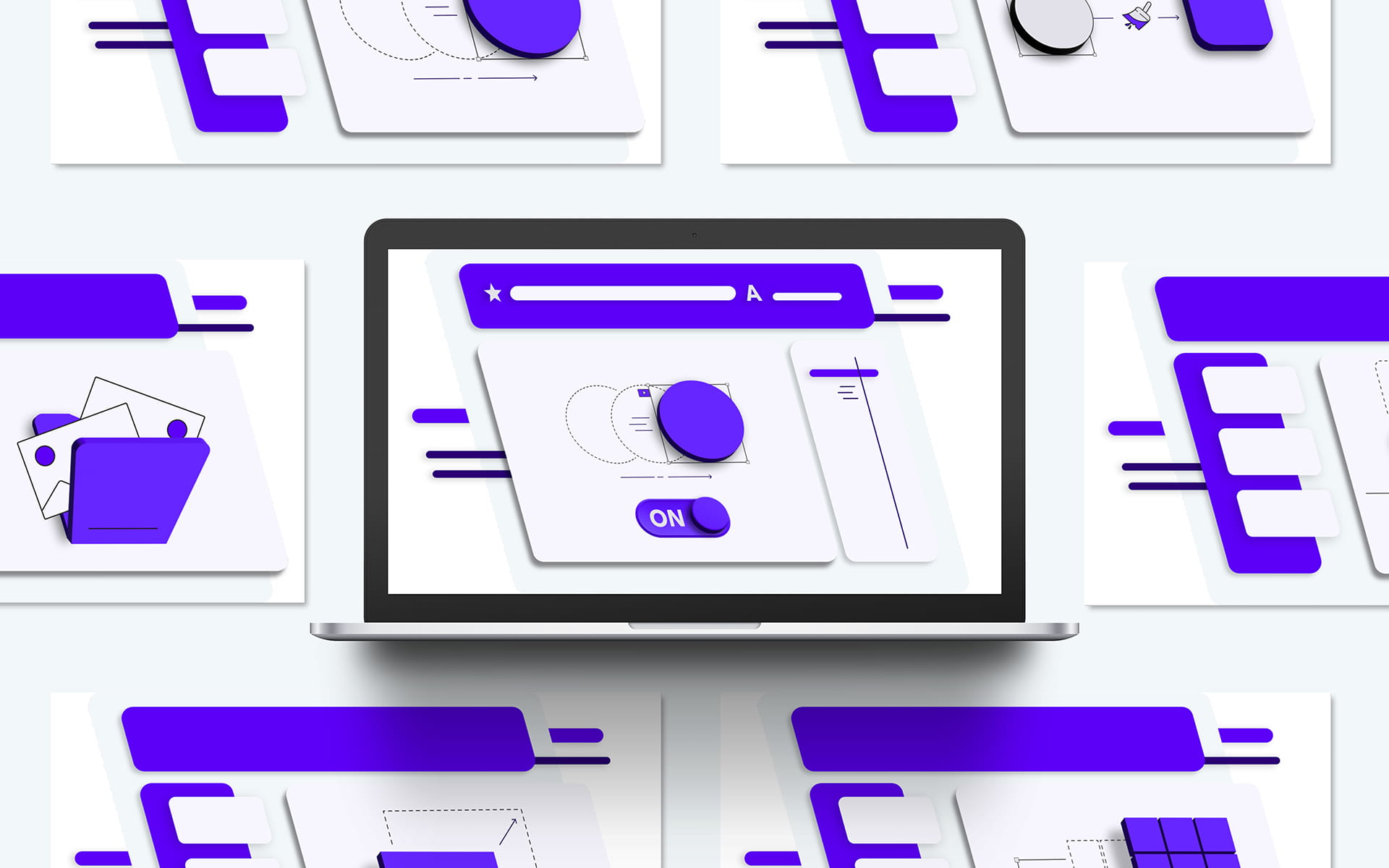
The turbo boost for formatting: New PowerPoint functions in the smart ribbon
In our smart ribbon, we have put together specially developed PowerPoint functions that save valuable time when creating presentations. This makes formatting slides and designing professional presentations child’s play.

Translate your PowerPoint presentation with artificial intelligence in just a few seconds

Exciting headlines and convincing arguments: smart text optimization with artificial intelligence

You can rely on this:
Data protection and security
At slideroom, data protection and security are our top priority. We use the highest industry standards to develop secure code and protect all data. Our robust security infrastructure and processes ensure that slideroom is always reliable and compliant with data protection regulations.





33 languages | 8 different tonalities
Translations directly in PowerPoint
With slideroom, cumbersome copy & paste from external platforms such as Deepl or Google Translate is a thing of the past. Translate presentations directly into PowerPoint in a matter of seconds and choose from eight different tonalities – from promotional to diplomatic to humorous. Presentations can be created in 33 different languages with a single mouse click.
And best of all: the entire formatting of your presentation is completely retained – from fonts and colors to paragraphs and bullet points, without any time-consuming reformatting.


Unsplash, Pexels and pixabay
More than 5 million free and royalty-free images
Access over 5 million free and royalty-free images from pixabay, Pexels and Unsplash in the integrated media pool. You can search for a suitable image directly in PowerPoint and insert it into your presentation with a click of the mouse – without leaving PowerPoint.
And best of all: all images are compressed directly for PowerPoint. Minimum file size – maximum quality. This creates visually strong and professional slides in the shortest possible time.
Smart PowerPoint ribbon
New functions make it easier to create presentations
Developed by PowerPoint experts: New functions that previously had to be laboriously implemented by hand are now available with a single click in slideroom’s smart ribbon.


Smart text optimization
Maximize the persuasive power of your presentations: Lengthy or complex texts are quickly distracting. Optimized formulations, on the other hand, get to the point and make messages understandable. Powerful headlines and concise arguments also attract more attention and help your messages to be remembered.
This makes your content appear clearer, more convincing and more professional – and underlines your expertise.