
One Tool. Unlimited Possibilities.
Clearly designed, intuitive to use and equipped with everything you need to take the CD-compliant creation of PowerPoint presentations to the next level.
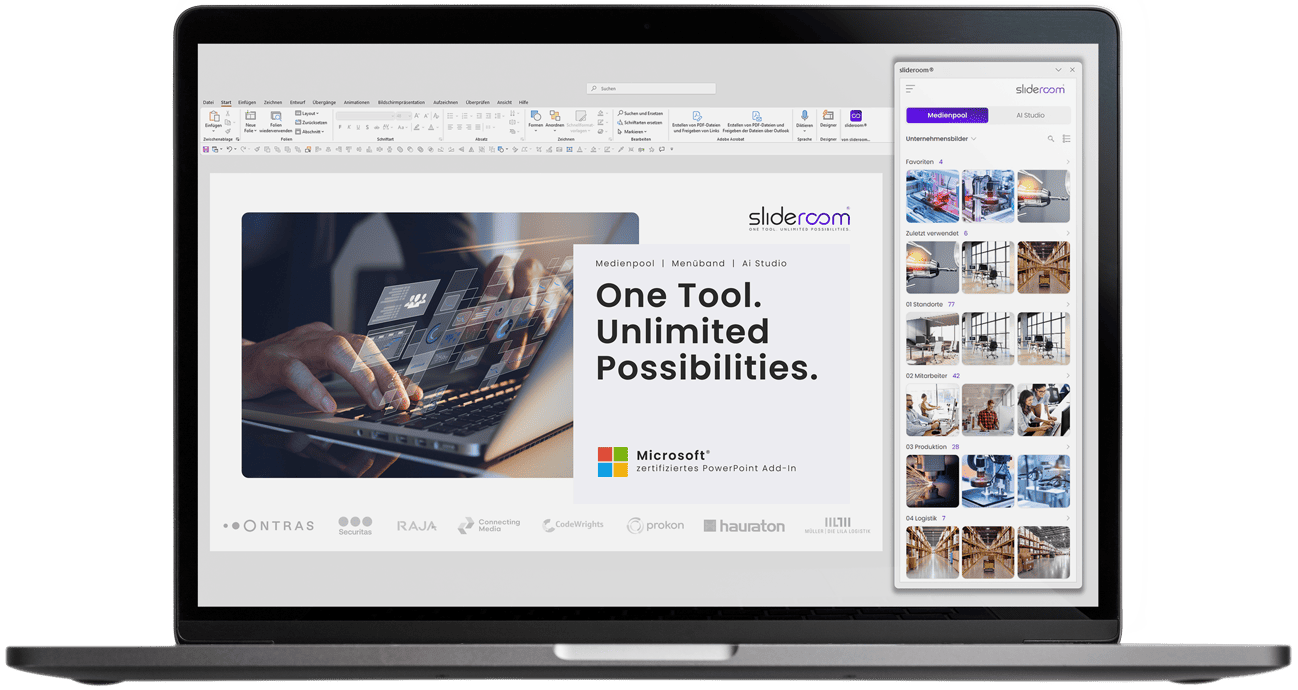
Media pool
All relevant corporate media (images, icons, presentations, slide library, etc.) available directly in PowerPoint: clearly structured, intuitive to use and optimized for PowerPoint.
AI Studio
Artificial intelligence is used to design visual slides, formulate exciting headlines and check the corporate design (CD check) professionally in a matter of seconds.
Smart ribbon
In our smart ribbon, we have put together specially developed PowerPoint functions that save valuable time when creating presentations. This makes formatting slides and designing professional presentations child's play.
Create presentations 40% faster
PowerPoint is one of the biggest productivity killers in companies: Searching for suitable, license-free images, formatting slides and constantly switching to external tools such as Deepl or ChatGPT cost unnecessary working time every day. With slideroom, this is a thing of the past.
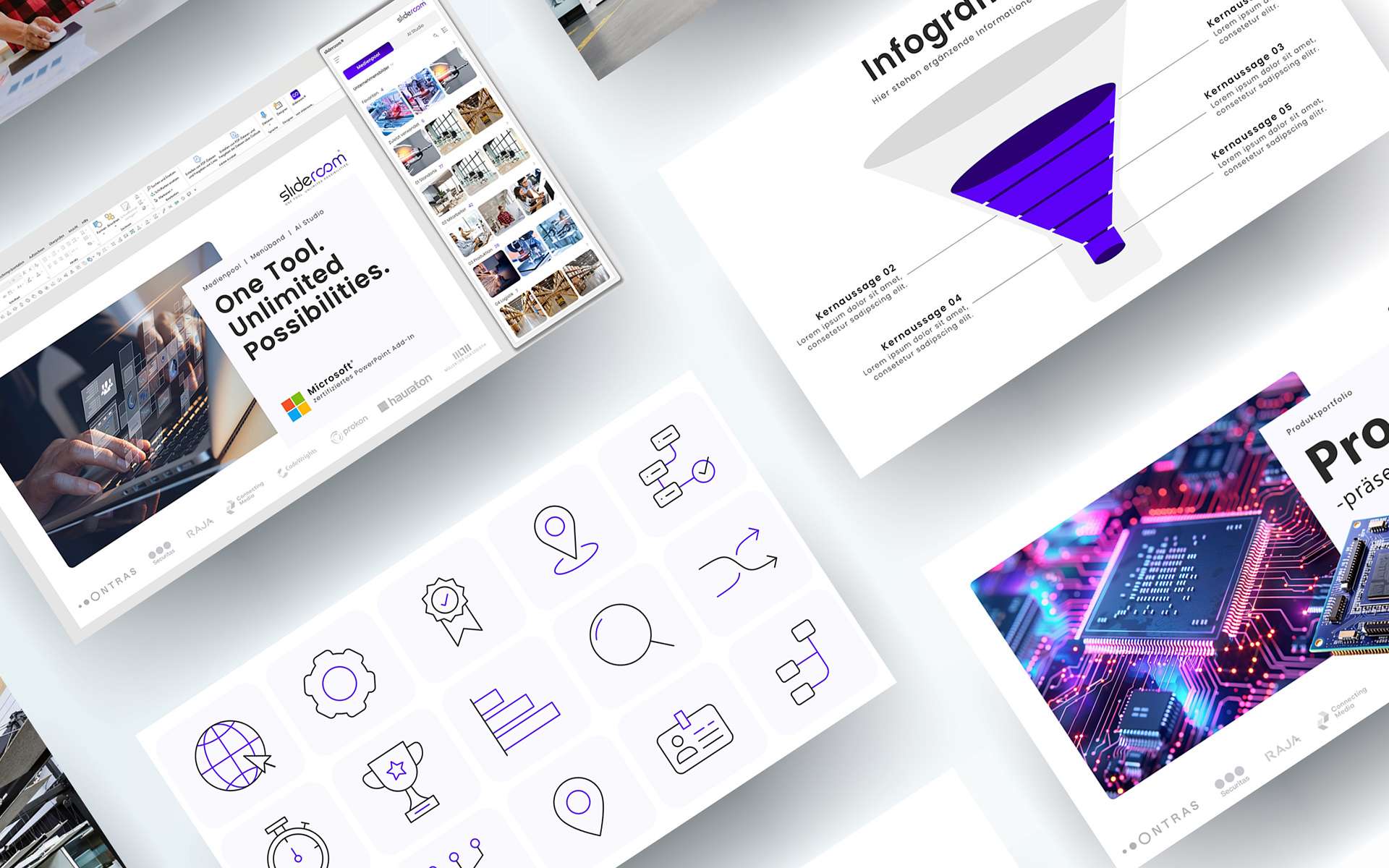
More than just an image database: slideroom is a smart PowerPoint media pool with your content

AI meets PowerPoint: Artificial intelligence is revolutionizing the creation of PowerPoint presentations
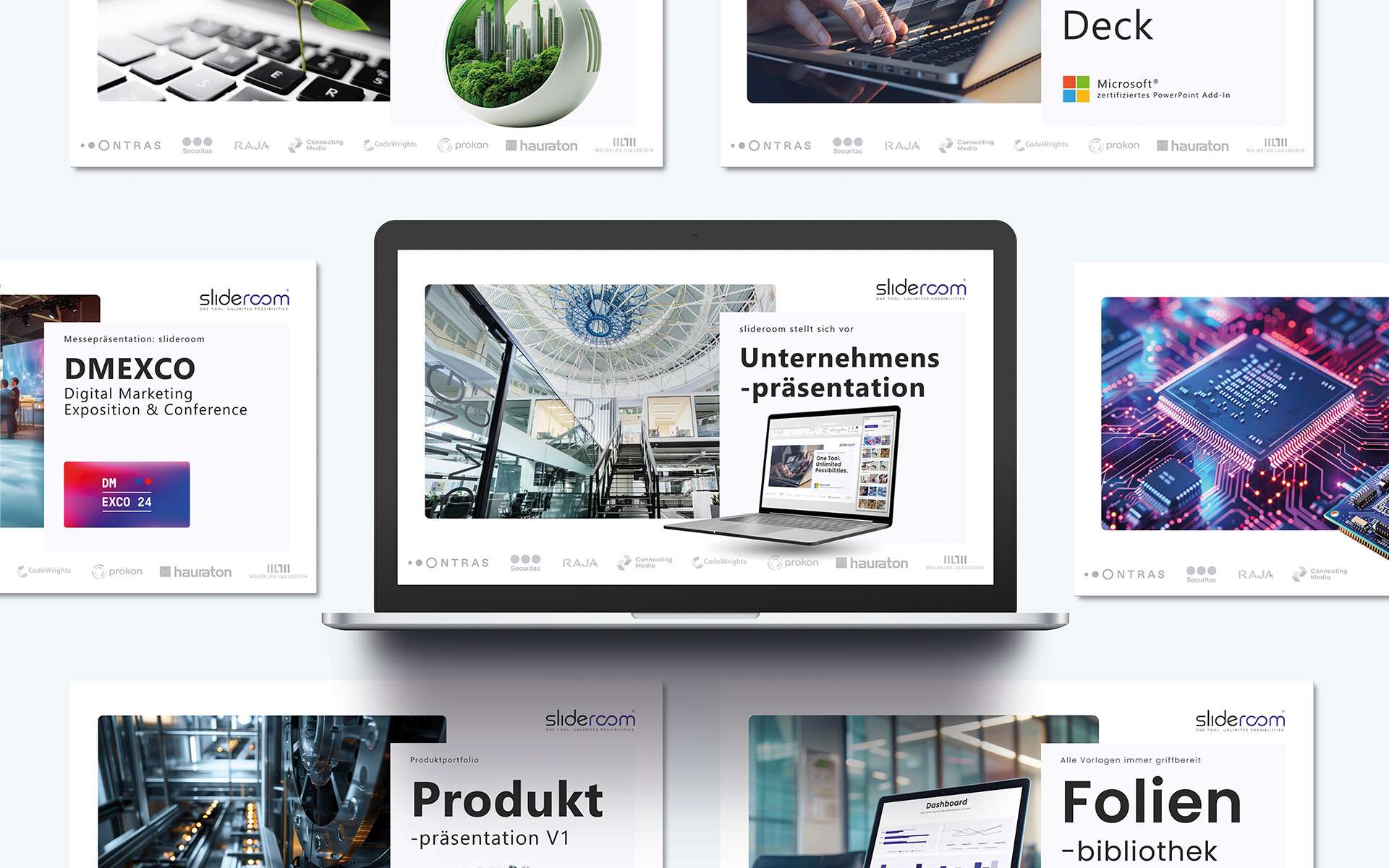
Always up2date: All important company and sales presentations provided centrally

5 million free and royalty-free images: Create visual presentations with powerful images

CD check: The guarantee for a uniform corporate design in PowerPoint presentations
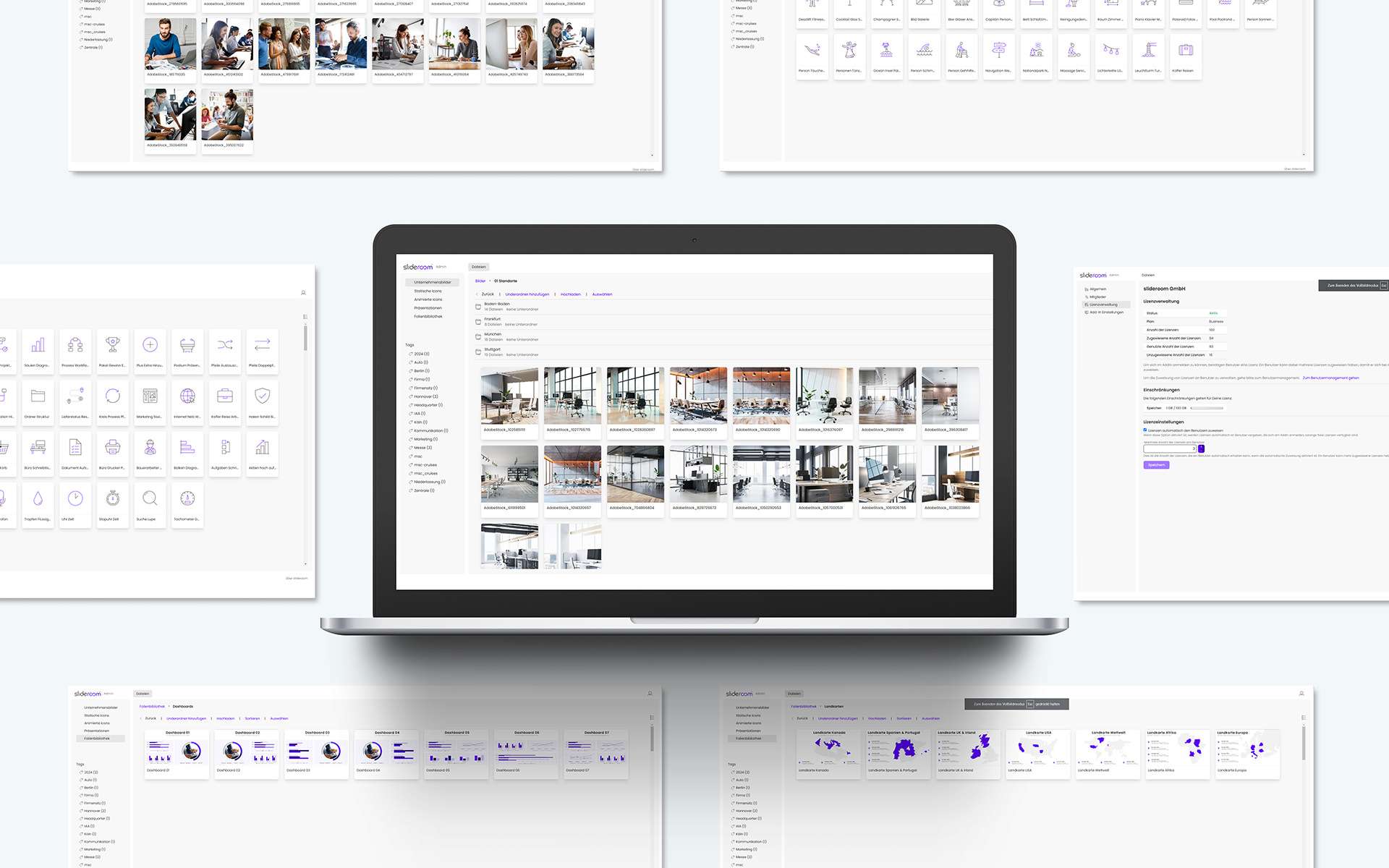
Quick and easy: manage all the content of your media pool centrally in the admin area
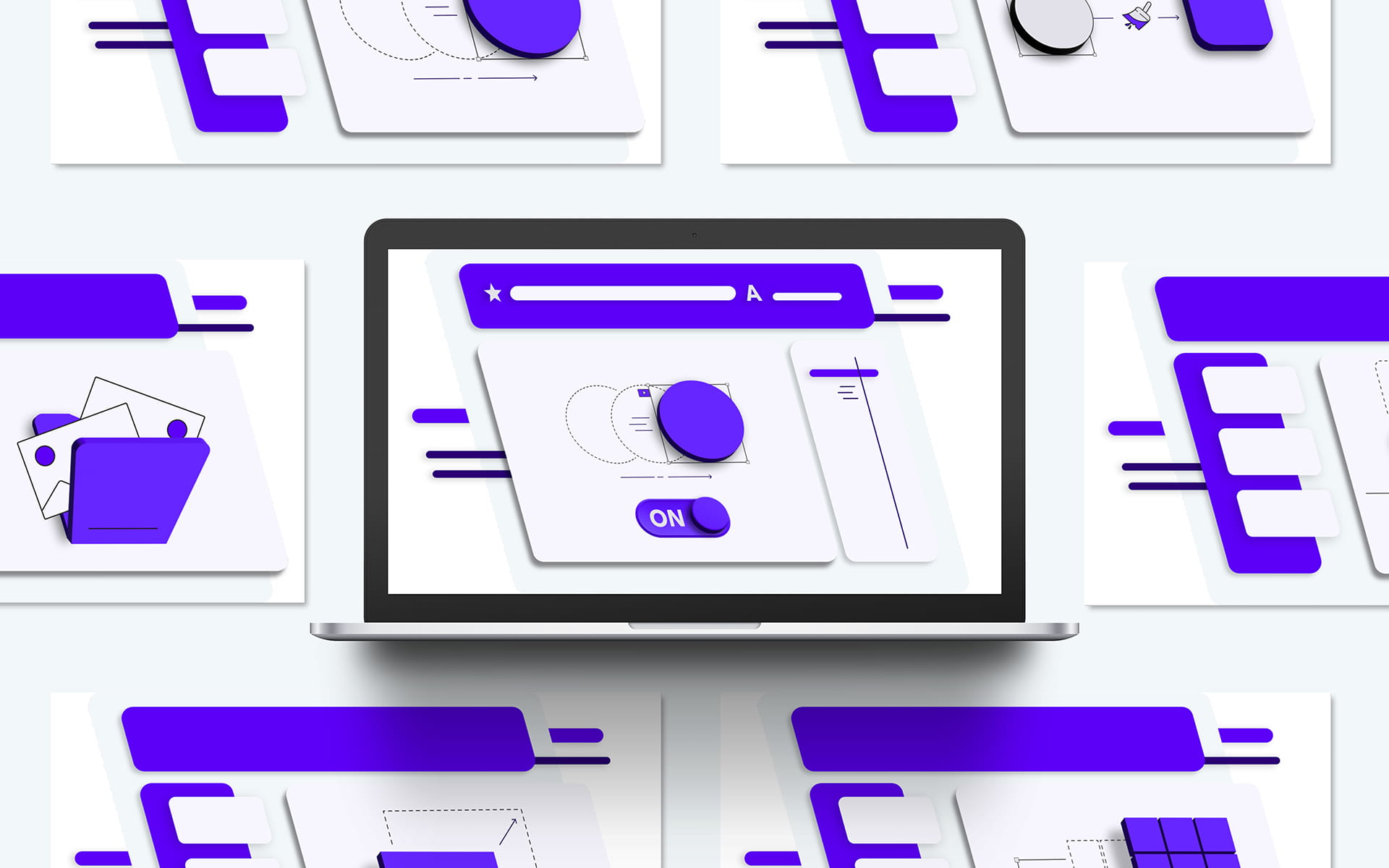
The turbo boost for formatting: New PowerPoint functions in the smart ribbon
In our smart ribbon, we have put together specially developed PowerPoint functions that save valuable time when creating presentations. This makes formatting slides and designing professional presentations child’s play.

Export Tools: Maximum flexibility when saving and exporting presentations with slideroom

Show/hide animations: Flexible presentation with the smart ribbon from slideroom

Professional animations in the slideroom ribbon: Elegant movements with one click

Magic brush in the slideroom ribbon: Revolutionary formatting for PowerPoint

Smart resizing in PowerPoint: perfect uniformity with slideroom

Perfect object division in PowerPoint: With the smart ribbon from slideroom

CD-compliant alignment of objects: Precise working with the smart ribbon from slideroom

Translate your PowerPoint presentation with artificial intelligence in just a few seconds
Exciting headlines and convincing arguments: smart text optimization with artificial intelligence

All your company’s images available as an image database directly in PowerPoint
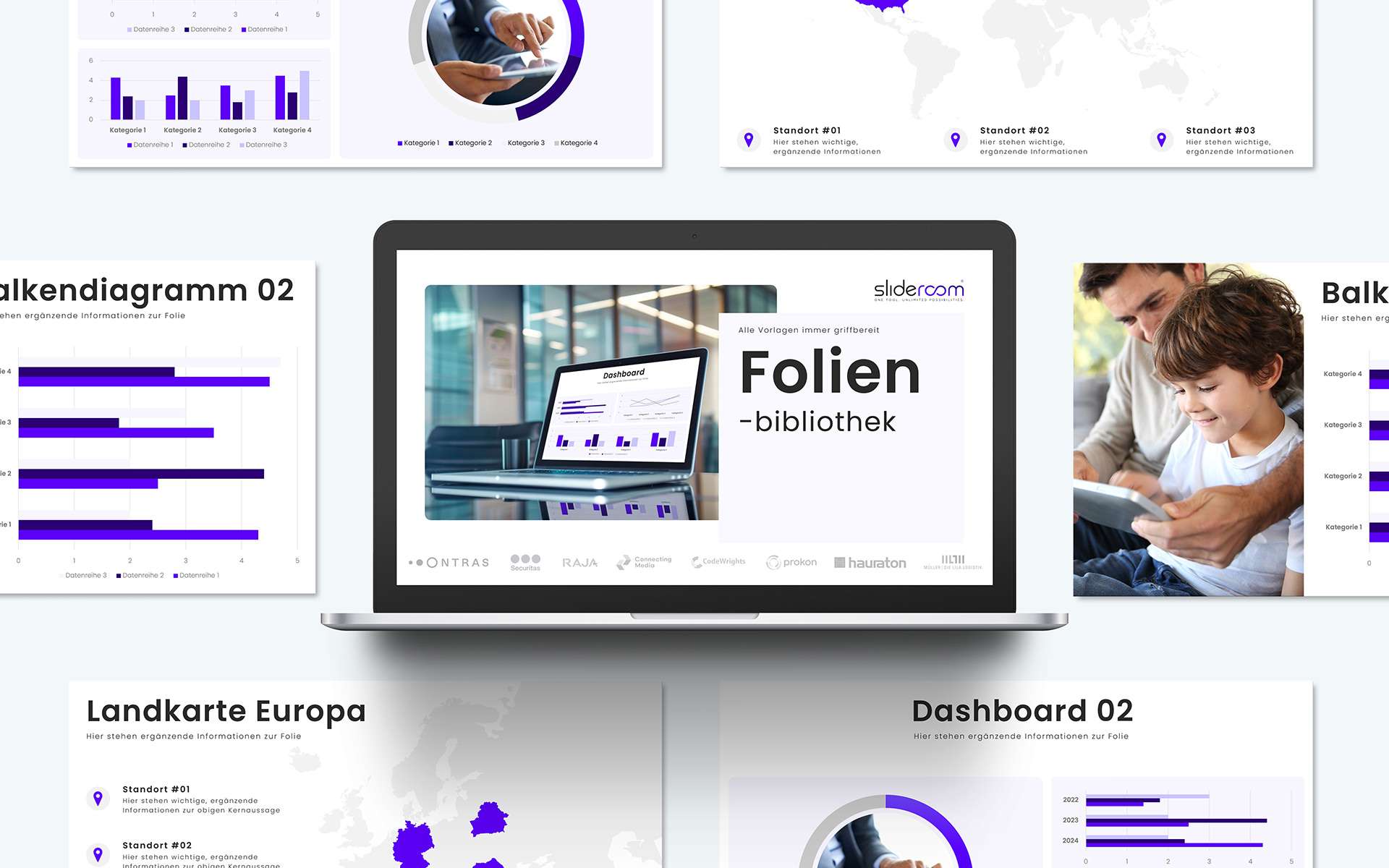
Slide library for PowerPoint: All templates (diagrams, processes, etc.) clearly structured

PowerPoint Icon Set: Insert all your company’s icons into PowerPoint with a click of the mouse
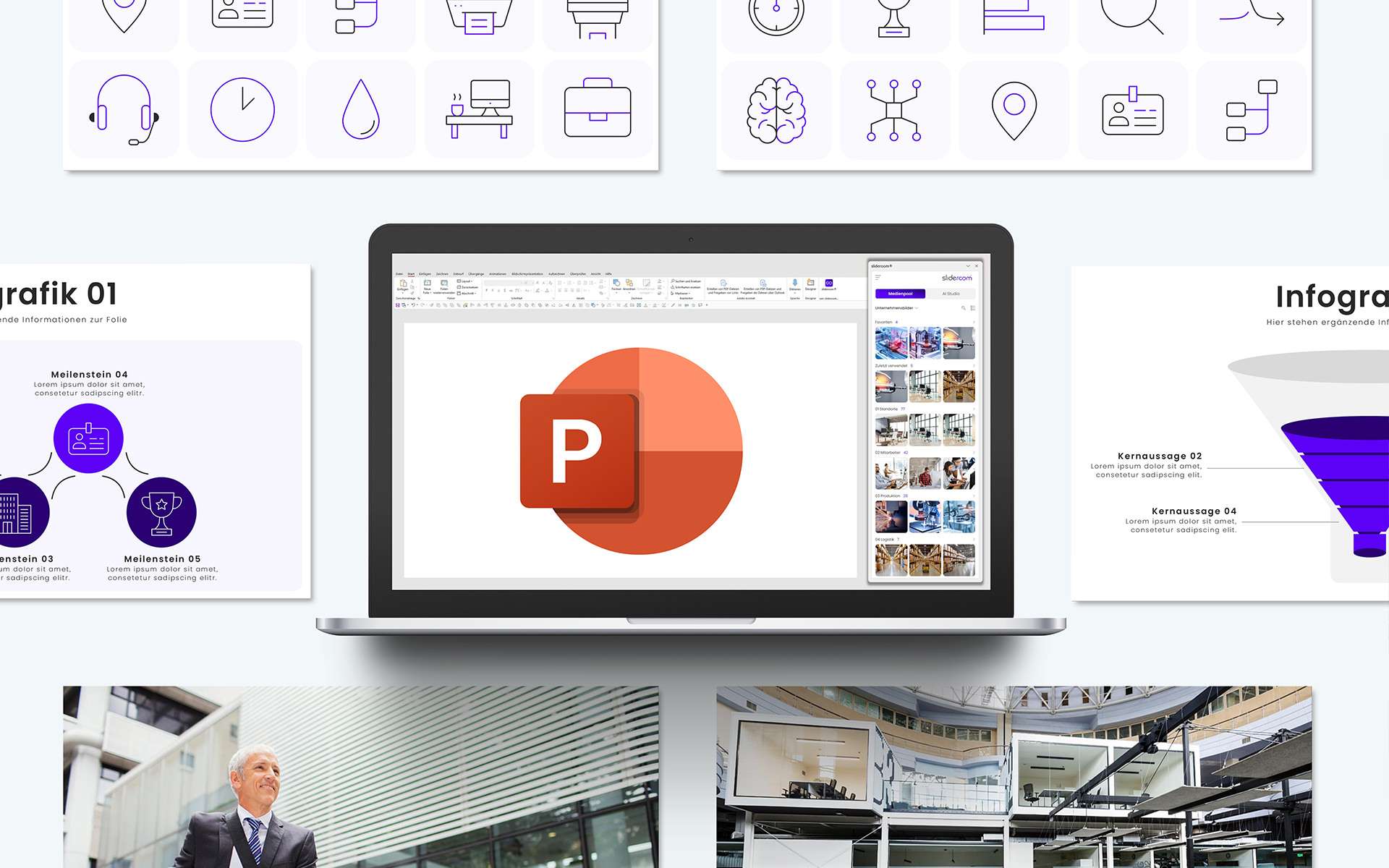
Optimized for presentations: Images, icons and graphics compressed and editable directly in PowerPoint
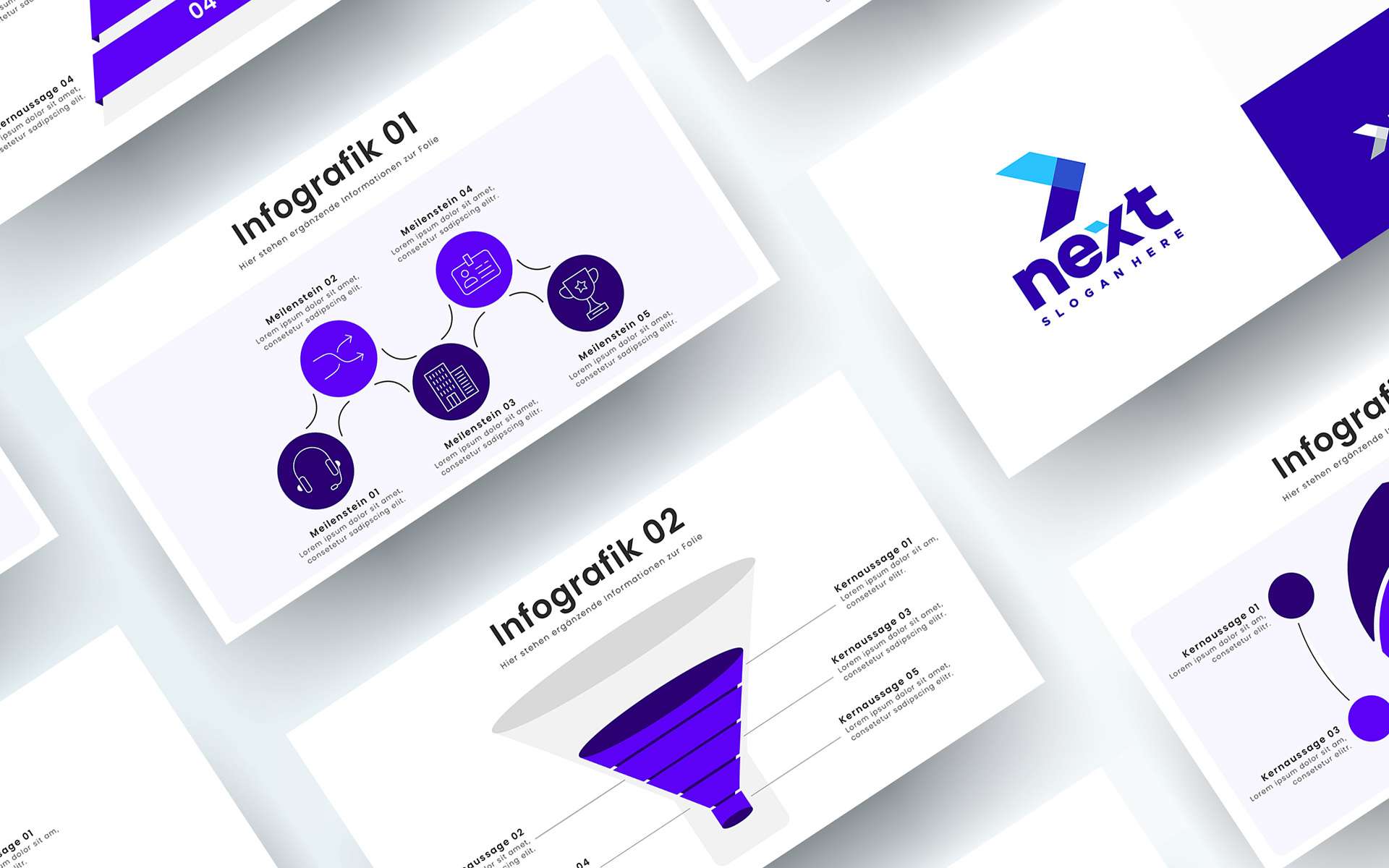
Graphics, logos and much more: the media pool is your individual PowerPoint database
Favorites turn the media pool into your personal PowerPoint assistant
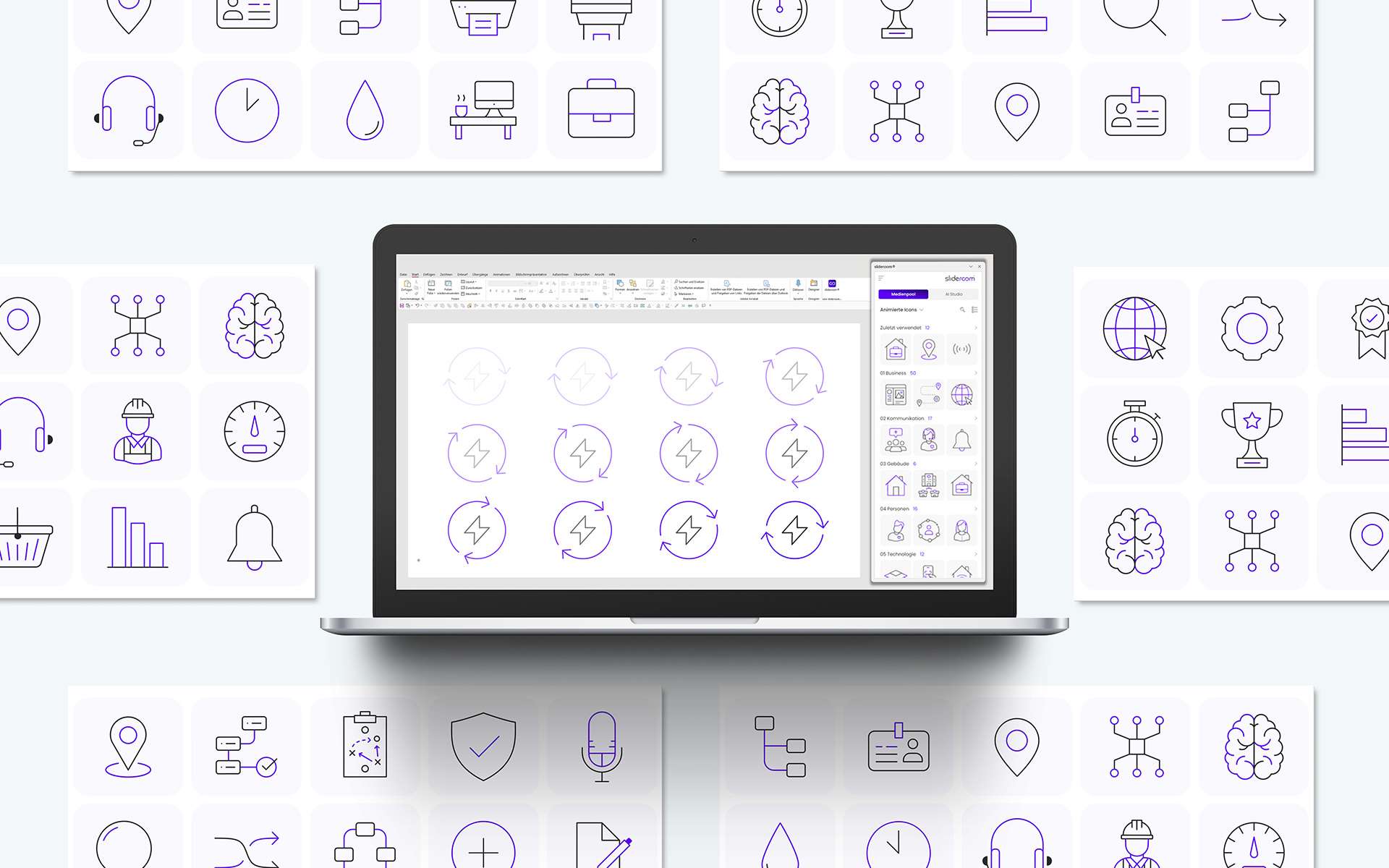
Professionally animated PowerPoint icons increase attention during your presentation
More than just an image database: slideroom is a smart PowerPoint media pool with your content
Always up2date: All important company and sales presentations provided centrally
5 million free and royalty-free images: Create visual presentations with powerful images
Quick and easy: manage all the content of your media pool centrally in the admin area
All your company’s images available as an image database directly in PowerPoint
Slide library for PowerPoint: All templates (diagrams, processes, etc.) clearly structured
PowerPoint Icon Set: Insert all your company’s icons into PowerPoint with a click of the mouse
Optimized for presentations: Images, icons and graphics compressed and editable directly in PowerPoint
Graphics, logos and much more: the media pool is your individual PowerPoint database
Favorites turn the media pool into your personal PowerPoint assistant
Professionally animated PowerPoint icons increase attention during your presentation
The turbo boost for formatting: New PowerPoint functions in the smart ribbon
In our smart ribbon, we have put together specially developed PowerPoint functions that save valuable time when creating presentations. This makes formatting slides and designing professional presentations child’s play.
Export Tools: Maximum flexibility when saving and exporting presentations with slideroom
Show/hide animations: Flexible presentation with the smart ribbon from slideroom
Professional animations in the slideroom ribbon: Elegant movements with one click
Magic brush in the slideroom ribbon: Revolutionary formatting for PowerPoint
Smart resizing in PowerPoint: perfect uniformity with slideroom
Perfect object division in PowerPoint: With the smart ribbon from slideroom
CD-compliant alignment of objects: Precise working with the smart ribbon from slideroom
AI meets PowerPoint: Artificial intelligence is revolutionizing the creation of PowerPoint presentations
CD check: The guarantee for a uniform corporate design in PowerPoint presentations
Translate your PowerPoint presentation with artificial intelligence in just a few seconds
Exciting headlines and convincing arguments: smart text optimization with artificial intelligence

Try it free for 30 days
Try Slideroom for 30 days with full access to all features and up to 10 users in your company. 100% no-obligation and risk-free:
No payment details required
No termination necessary
The trial period ends automatically after 30 days.
Professional presentations. With a single click. Right in Microsoft PowerPoint.
In many companies, PowerPoint presentations are still created, formatted, and adapted to the corporate design manually, which is a time-consuming process. We believe that doesn't have to be the case anymore. In our free live preview, we'll show you how to use slideroom to automatically create and design professional PowerPoint presentations: based on your own slide master, fully in line with your corporate design, and directly in Microsoft PowerPoint.










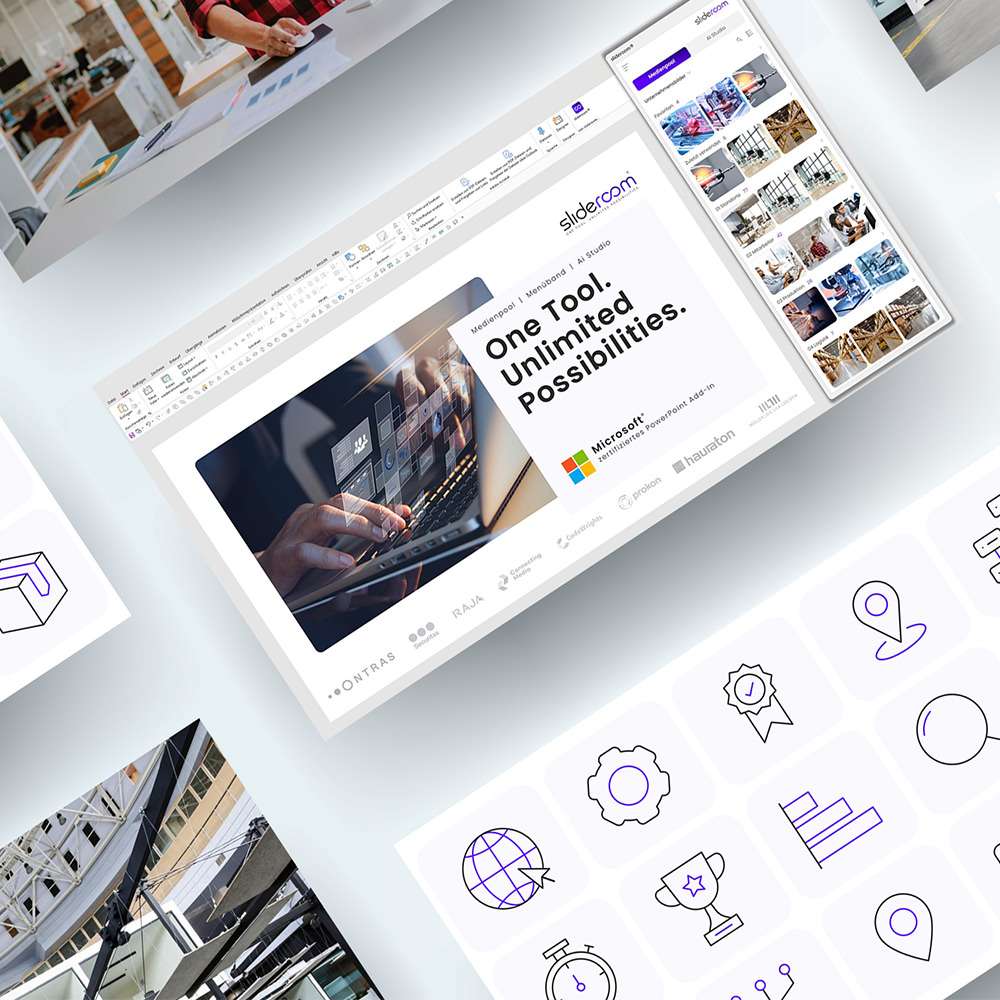
PowerPoint media pool
Company images, icons, slide library and much more
With slideroom, the time-consuming search for suitable images or icons on internal drives is a thing of the past. All media (company images, icons, graphics, etc.) that are helpful for creating PowerPoint presentations are made available to employees directly where they are most frequently needed: In Microsoft PowerPoint.
This not only considerably reduces the time required to create presentations, but also automatically leads to a significant improvement in the quality of the presentations.
Smart PowerPoint ribbon
New functions make it easier to create presentations
Developed by PowerPoint experts: New functions that previously had to be laboriously implemented by hand are now available with a single click in slideroom’s smart ribbon.


AI Studio for presentation creation
Artificial Intelligence meets PowerPoint
With the help of artificial intelligence, creating convincing PowerPoint presentations is child’s play. No matter whether you need an exciting headline, meaningful notes or creative wording: The AI Studio from slideroom makes this possible in seconds, without even having to leave PowerPoint.
Corporate Design (CD) in PowerPoint
CD check for a uniform design in PowerPoint
As a company, it is important to ensure a uniform appearance towards customers and partners in all communication measures. In PowerPoint presentations in particular, however, a veritable “proliferation” of different colors, fonts, shades, etc. can be observed. As a rule, such CD violations happen unknowingly and unintentionally by employees.
The CD check from slideroom solves this problem and guarantees a uniform appearance by automatically correcting CD violations.

Do you have any questions or are you interested in a personal meeting?
We are here for you:
+49 7221 944 7887 | info@slideroom.ai
Try it free for 30 days
Try Slideroom for 30 days with full access to all features and up to 10 users in your company. 100% no-obligation and risk-free:
No payment details required
No termination necessary
The trial period ends automatically after 30 days.