Presentations by AI. 100 % corporate design.
With artificial intelligence, visual slides, compelling headlines and the corporate design check are done in seconds – exclusively with your layouts, media and design rules.
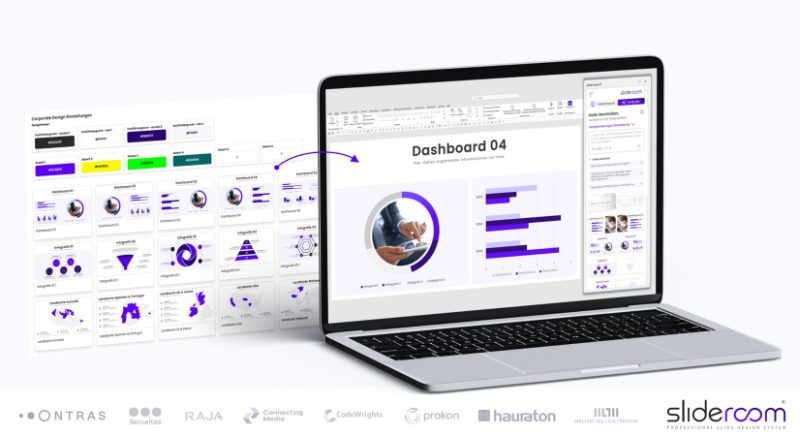
From idea to finished presentation – with a single click.



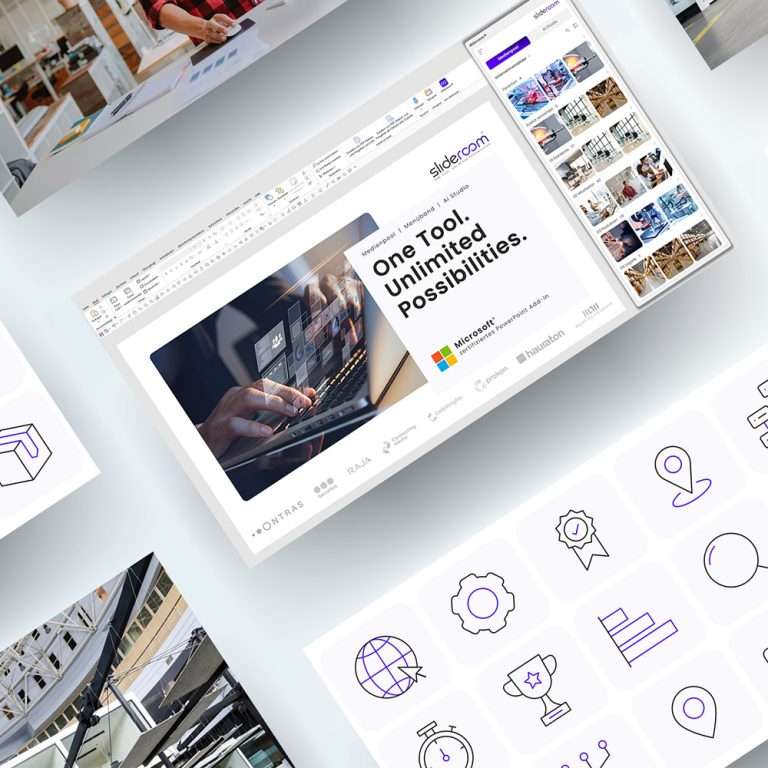
Tell slideroom what you need
Describe in one sentence which presentation you need – for example “Create a 10-slide product presentation on product XY”. You can base it on the current presentation or on an uploaded file.
- Works with PDF, PPTX, Excel, Word and more
- New presentation or based on an existing one
- Right in the AI Studio in PowerPoint
slideroom creates a storyboard
Before a single slide is created, slideroom plans the flow: which content belongs on which slide so the presentation convinces? Every prompt or file becomes a clear storyline in seconds.
- Logical structure from opening to close
- One clear key message per slide
- In seconds instead of hours
Matching layouts from your slide master
For every slide, slideroom picks the right layout from your slide master – from title slide, agenda and section dividers to chart slides. Every presentation looks as if your marketing team had built it.
- Only layouts from your slide master
- Title, agenda, sections, charts and more
- No AI-generated layouts
Texts that fit the slide
slideroom writes the content for your audience and ready for presenting – short and to the point instead of running text. The amount of text fits exactly into the placeholders of each layout.
- Written for your audience
- Short and concise – optimised for slides
- The right amount of text for every layout
Your images and icons – inserted automatically
Finally, slideroom adds matching images and icons – exclusively from your Media Pool. Selected according to each slide’s key message, so imagery and brand are right.
- Only your own company images and icons
- Matching the key message of the slide
- No AI-generated images
An AI assistant alone doesn’t make a professional presentation.
The difference between slideroom and general-purpose AI tools:
A complete system instead of AI sprawl
slideroom does not create AI-generated slides, images or graphics: only your own company media is used.
100 % corporate design instead of chance
Every AI action is based exclusively on clearly predefined layouts, slide templates, fonts, colours and AI settings.
On-brand design instead of an AI assistant
Copilot & co. specialise in summaries, wording and analyses – not in on-brand presentations.
Copilot & co. create content – slideroom creates presentations
General-purpose language models aren’t designed for presentations. slideroom was developed exclusively for professional presentations .
What the AI Studio does for you.
From automatic presentations to the CD check.


CD check: the guarantee for consistent corporate design in PowerPoint presentations

Translate your PowerPoint presentation with artificial intelligence in seconds
No more AI sprawl in your company.
Corporate design. Every detail.
Every presentation made with slideroom follows the same design rules as a professional presentation built by hand by your marketing team.
- Layouts from your slide masterinstead of AI-generated layouts
- Images & icons from your Media Poolinstead of AI-generated images and icons
- Colours & fonts according to your CD guidelinesinstead of wrong colours, fonts and spacing
per month and employee
Office workers spend around 100 hours a year on presentations¹. With up to 80 % time saved per presentation, that leaves around 6 hours a month for what really matters.
¹ Study by i-pointing / Innofact
ROI per licence
€300 in saved staff costs (6 h × €50) compared with €3.99 in licence costs per month.
Better safe than sorry: the CD check checks and corrects.
Fonts and colours that are not part of your CD are detected instantly – and corrected individually or for the entire presentation with a single click. 100 % intuitive.
Transparent, traceable, GDPR-compliant.
We rely on the highest standards to protect your data.
 Microsoft-certifiedOfficially verified add-in in the Microsoft Store
 GDPR-compliantAll requirements as a minimum standard
 Microsoft AzureHosted in the “Germany West Central” region
 Microsoft Entra IDSecure sign-in with your company account
Convert existing presentations.
slideroom analyses every slide, picks the right layout from your slide master and transfers all content in line with your CD – texts are shortened where needed without losing their meaning.
Translate, optimise, shorten.
Translate presentations into any language with one click – without breaking the formatting. Improve the wording and cut texts down to the essentials.
Germany’s No. 1 PowerPoint add-in.
Numerous companies take their presentations to the next level with slideroom – with smart features, AI support and always in their own corporate design.










Ready for your PowerPoint upgrade?
Developed by PowerPoint experts – together with RELEASE, Germany’s leading presentation agency. Try slideroom free for 30 days with all features or join a free live demo (Microsoft Teams, 45 minutes).