From a manual tool to a smart PowerPoint system.
In our free live demo we show how companies automate their PowerPoint creation with slideroom and AI – directly in PowerPoint and 100 % in their corporate design.
Choose your date.
All live demos take place online via Microsoft Teams. After registering, you’ll receive the link to join by email.
slideroom live in PowerPoint.
We show you all building blocks in real use – and answer your questions right away.
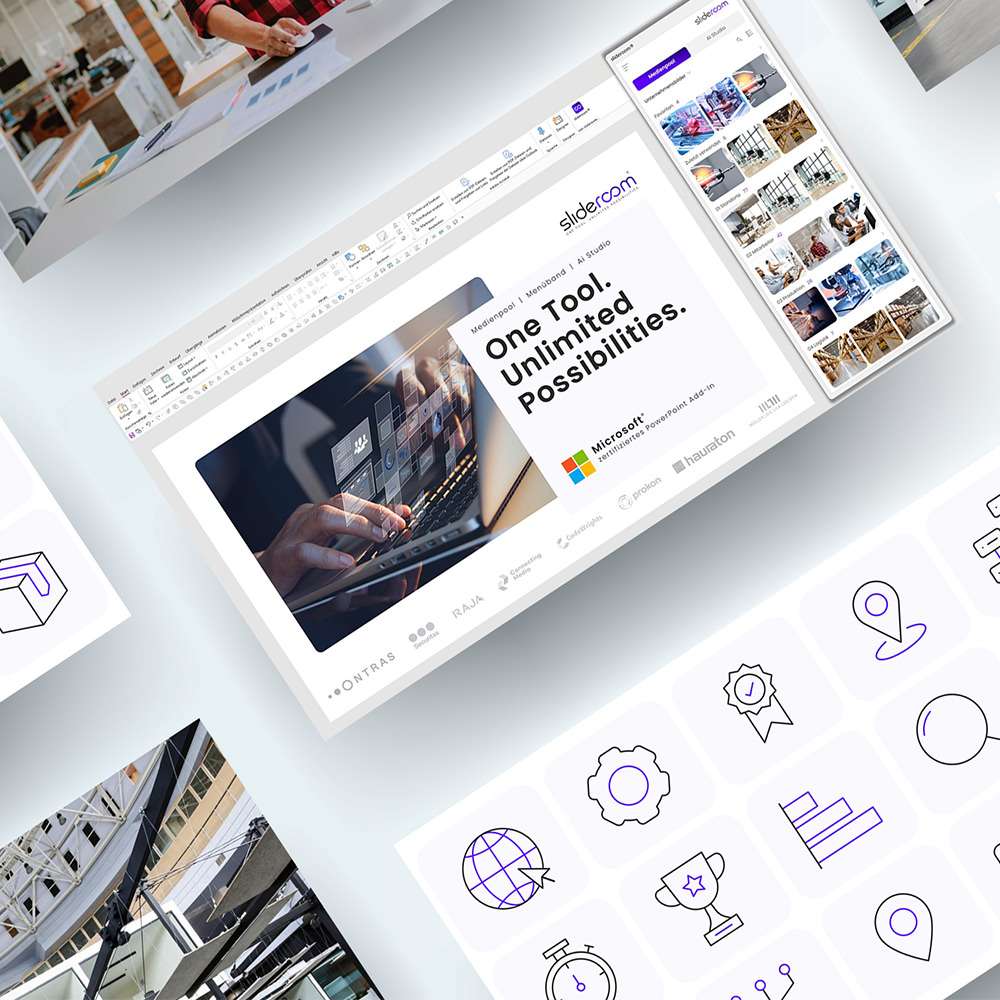
All company media in PowerPoint
Images, icons, slide library and presentations – centrally managed and available exactly where you need them.

New features with a single click
Developed by PowerPoint experts: tasks that used to be manual work are done with a single click.

Create presentations with AI
Headlines, notes, wording and entire slides in seconds – without leaving PowerPoint.

100 % corporate design
Colours, fonts and formatting are checked and corrected automatically – for a consistent look.
Three steps to your demo.
Choose a date
Pick a suitable date above and register for free via Microsoft Teams.
Experience it live
In 45 minutes we show slideroom directly in PowerPoint – from the Media Pool to presentations with AI.
Ask questions
We answer your questions live. Tip: Check your slide master in advance for free with the AI-Ready Check.
Prefer to try it yourself right away?
Try slideroom free for 30 days with all features and up to 10 users – or request a personal appointment that suits you.