Choose the right package
The right package for every team or company size: slideroom is generally useful for all office employees who create a PowerPoint presentation at least once a month. The more employees use slideroom, the greater the effect: less unnecessary duplication of work and wasted working time, more effective presentations and uniform slides in the corporate design.




Choose the right package
The right package for every team or company size: slideroom is generally useful for all office employees who create a PowerPoint presentation at least once a month. The more employees use slideroom, the greater the effect: less unnecessary duplication of work and wasted working time, more effective presentations and uniform slides in the corporate design.
Ready to go in 30 minutes:
From registration to rollout
Implementing slideroom takes less time than creating a PowerPoint presentation. In five simple steps, slideroom is ready for use throughout the entire company. No complex IT project, minimal need for coordination, standardized processes.
Choose the right package
Choose one of our four packages to suit the size of your company:
- Start: For small teams of up to 10 users
- Professional: For larger teams of up to 25 users
- Business: For teams or companies with up to 100 users
- Enterprise: For companies with an unlimited number of users

Ready to get started?
Activate your PowerPoint upgrade now
Registration & Payment
Simply register with your name and email address and then enter the name of your organization in slideroom (usually this is simply your company name). That’s it.
You have the following options for payment:
- Invoice / bank transfer
- Credit card
- PayPal
Tip: It’s even easier to register directly with your Microsoft account. Just one click and you can get started straight away …
Ready to get started?
Activate your PowerPoint upgrade now
Installation in PowerPoint
After your registration you will receive an e-mail with a download link. Simply click on the link and slideroom will be downloaded automatically and installed directly in your PowerPoint – it couldn’t be easier.
Note: In larger companies, PowerPoint add-ins are often blocked and must be activated by the IT department. Simply send a short request to the IT department with the “Request for activation of the PowerPoint add-in slideroom” and our technical documentation. Activation in the Microsoft Admin Center requires just a few clicks and should be done quickly …
Ready to get started?
Activate your PowerPoint upgrade now
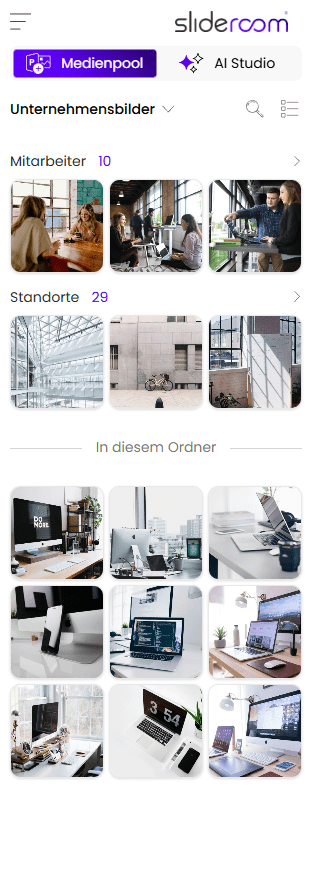
Upload company media in the admin area
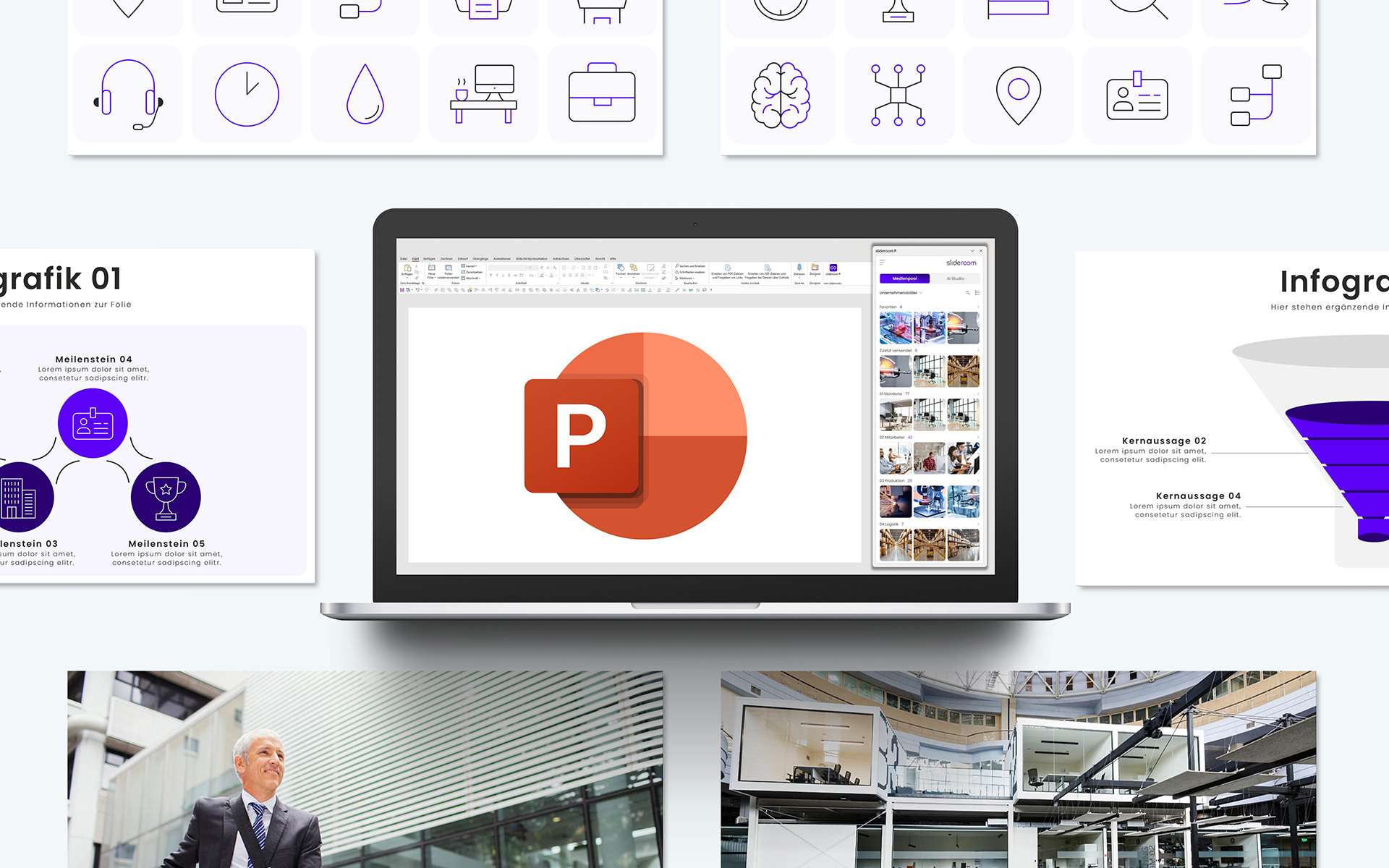
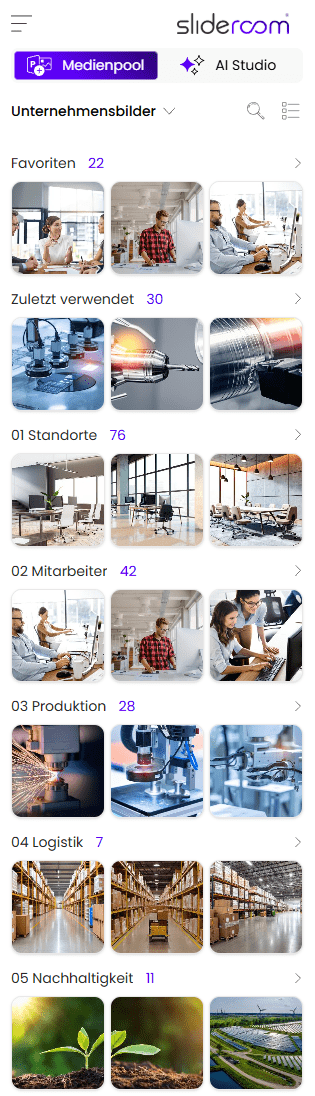
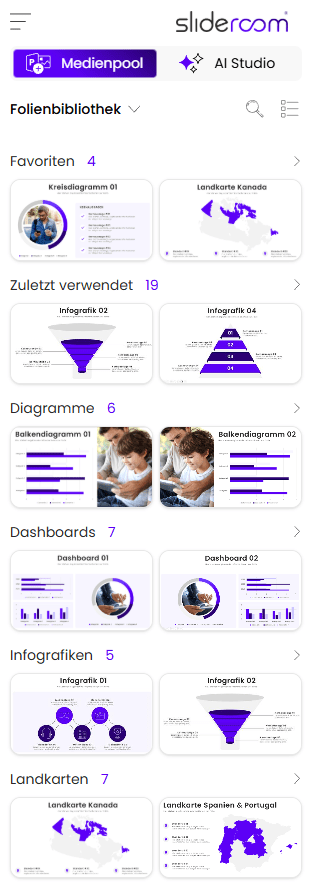
The admin area of slideroom is the central database for your media:
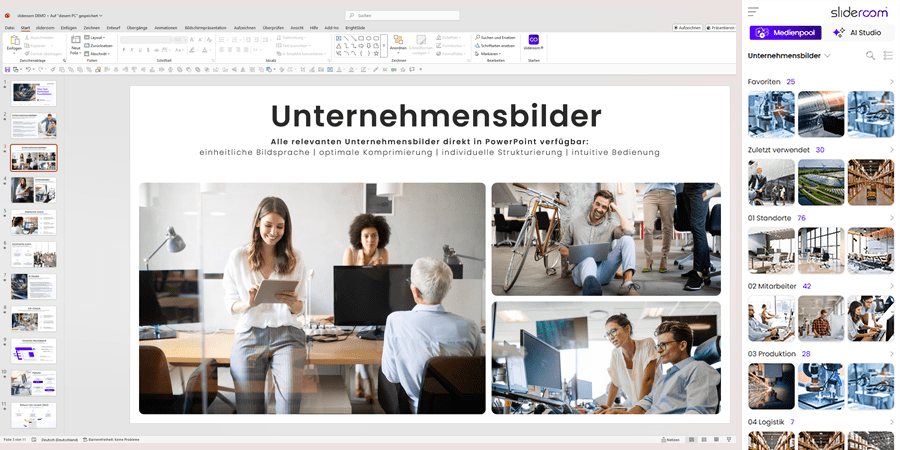
- Company pictures
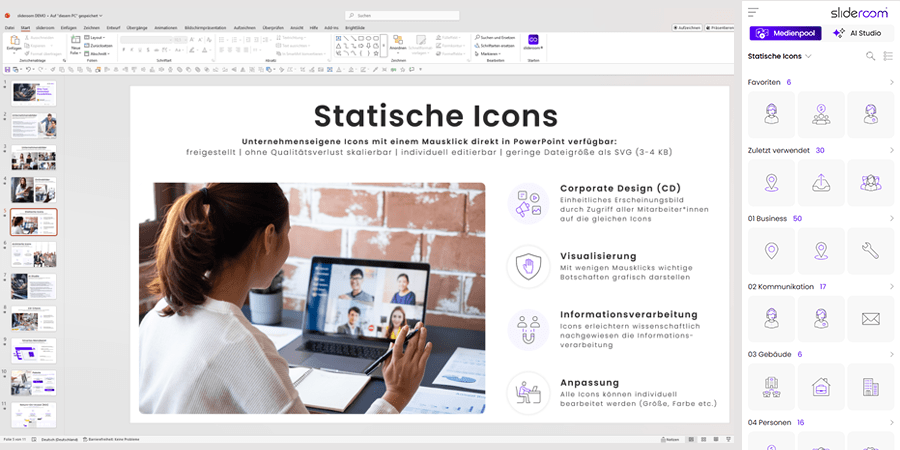
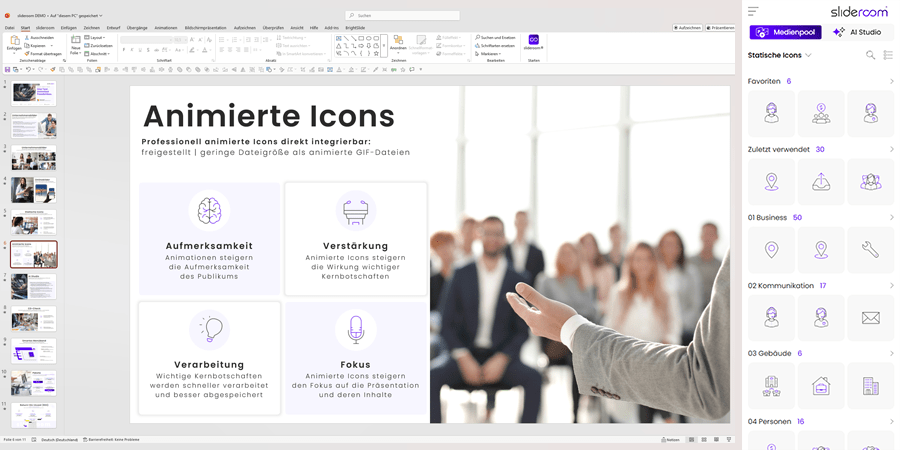
- Icons (static and/or animated)
- Presentations, slide library etc.
After your upload, all media can be used by your colleagues directly in PowerPoint.
Tip: In the admin area, in addition to managing your company media, you can also add other administrators who can then also upload files. This allows you to spread the work over several shoulders …
Ready to get started?
Activate your PowerPoint upgrade now
Rollout in the company
There are two ways to roll it out in the company:
- As an administrator, you can easily add desired users to your organization with one click in the admin area. They will receive an email with all the information they need to install slideroom on their own and will then automatically become part of your organization.
x - The IT department can give all desired employees or the entire company access to slideroom centrally via Microsoft Entra-ID-Sync. The next time PowerPoint is started, slideroom is integrated for all employees and they are automatically logged in with their Microsoft account.
Ready to get started?
Activate your PowerPoint upgrade now

Herausragende Produkte verdienen eine starke Präsentation
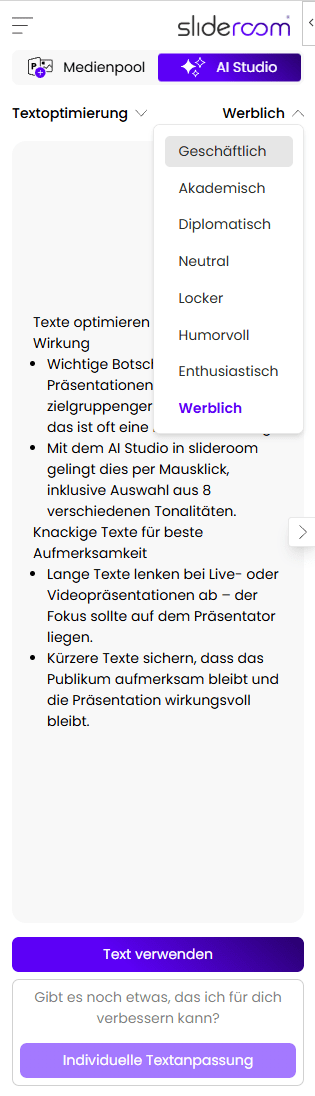
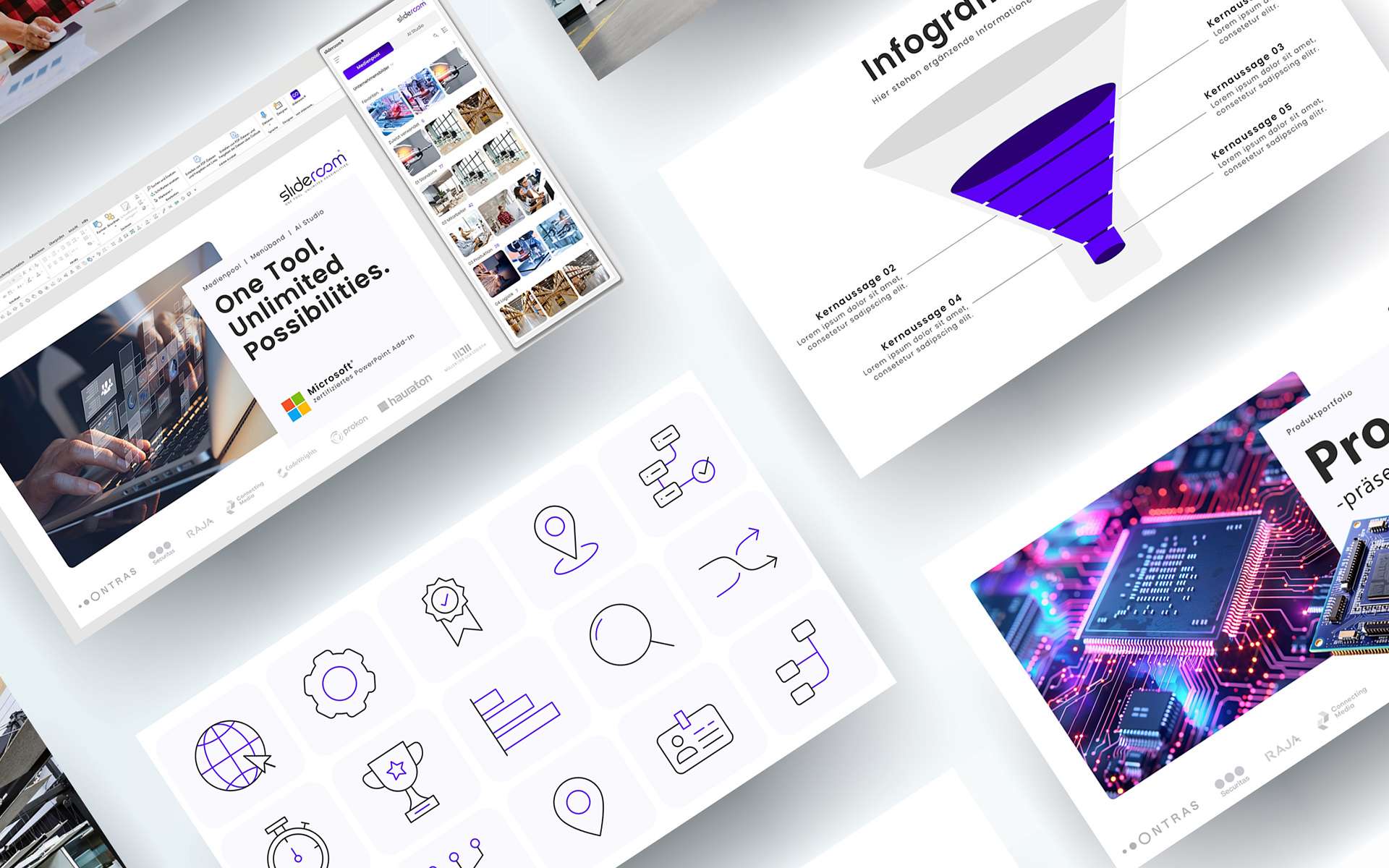
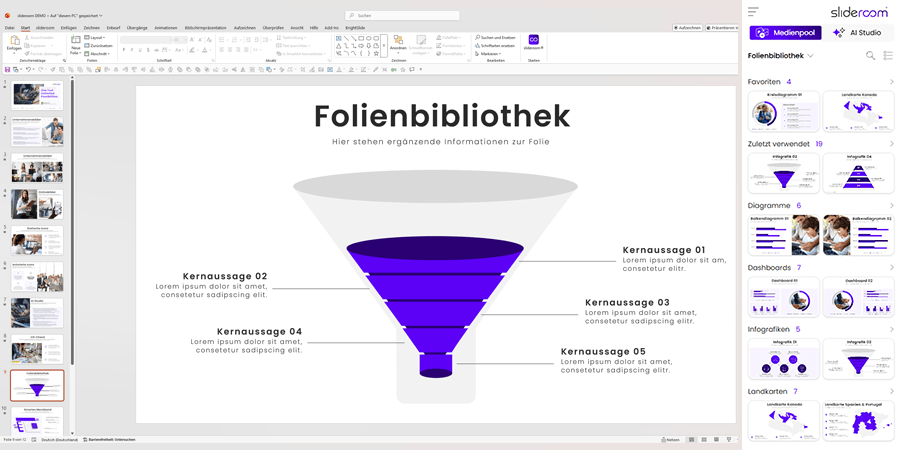
slideroom not only speeds up the creation of presentations, but also raises their quality and persuasiveness to a whole new level: with AI-optimized texts, concise key messages and a visual design through the increased use of images and icons.
We Help With
Building better solutions

Start
For smaller teams of up to 10 users
Only 99€ / month
For smaller teams of up to 10 users

Branding
Mauris vulputate eget mi non dapibus. In sit amet turpis mattis, finibus sem consequat, sagittis risus.
Branding
Mauris vulputate eget mi non dapibus. In sit amet turpis mattis, finibus sem consequat, sagittis risus. Ut interdum suscipit mi sit amet sodales.

Digital Marketing
Mauris vulputate eget mi non dapibus. In sit amet turpis mattis, finibus sem consequat, sagittis risus.
Digital Marketing
Mauris vulputate eget mi non dapibus. In sit amet turpis mattis, finibus sem consequat, sagittis risus. Ut interdum suscipit mi sit amet sodales.

Pay Per Click (PPC)
Mauris vulputate eget mi non dapibus. In sit amet turpis mattis, finibus sem consequat, sagittis risus.
PayPer Click (PPC)
Mauris vulputate eget mi non dapibus. In sit amet turpis mattis, finibus sem consequat, sagittis risus. Ut interdum suscipit mi sit amet sodales.
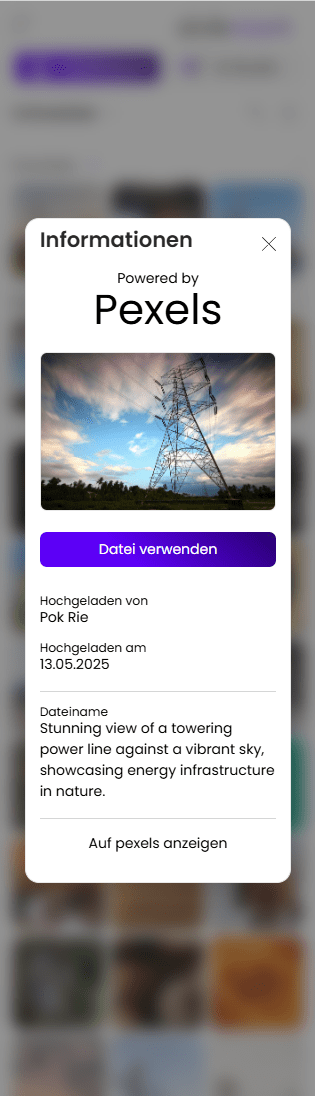
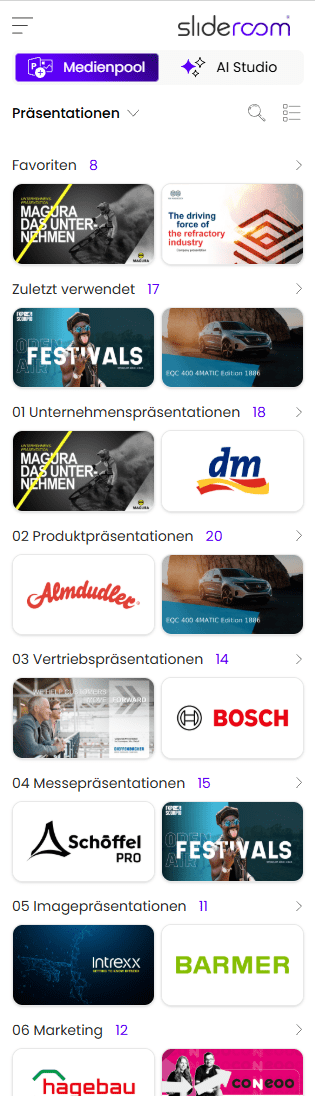
Company pictures
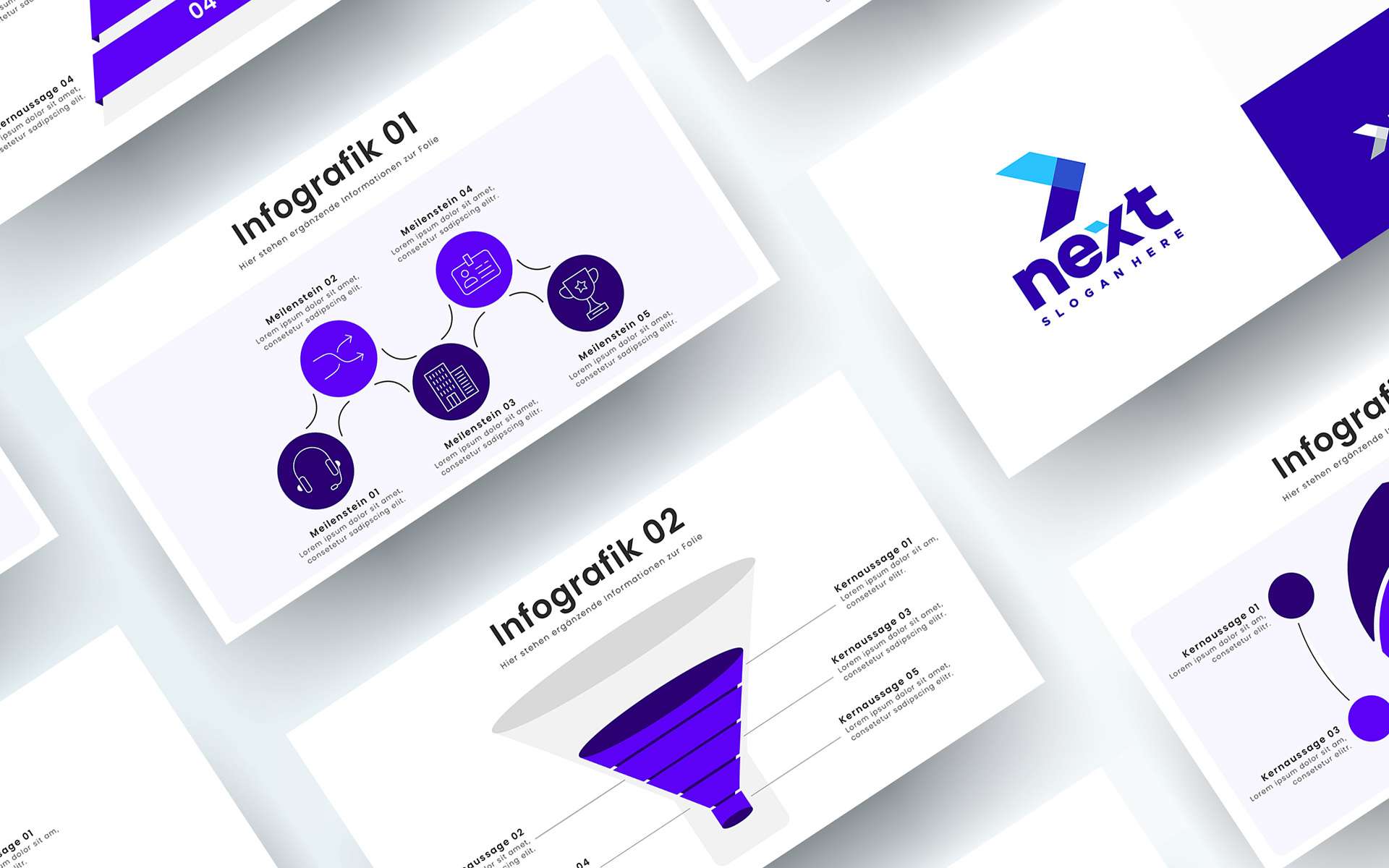
Slide library
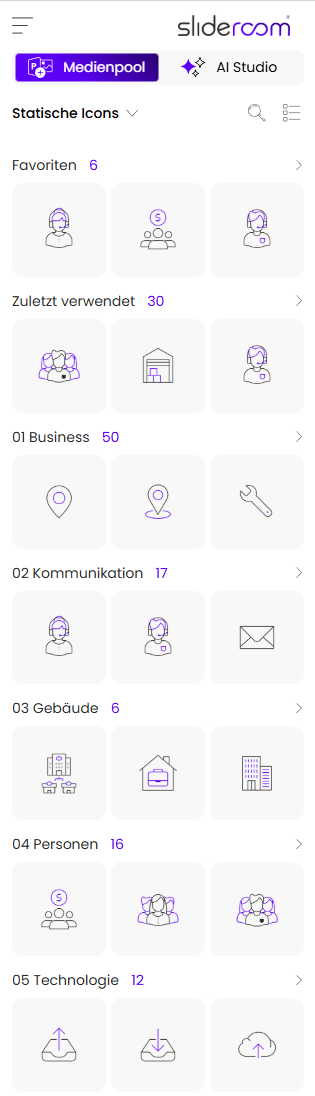
Icon Set
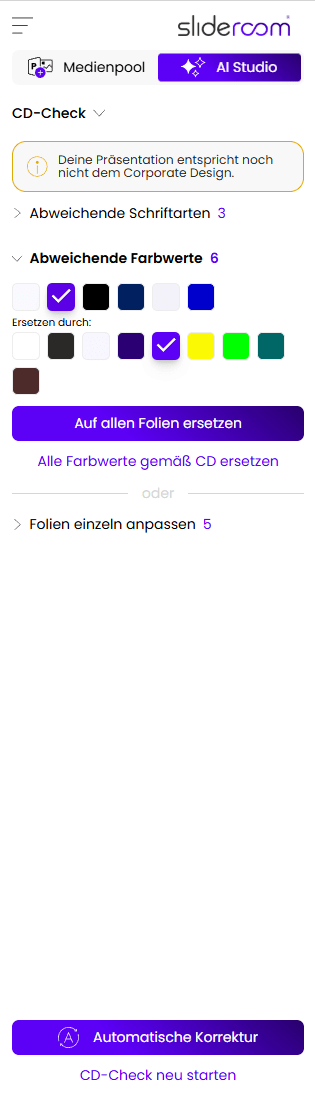
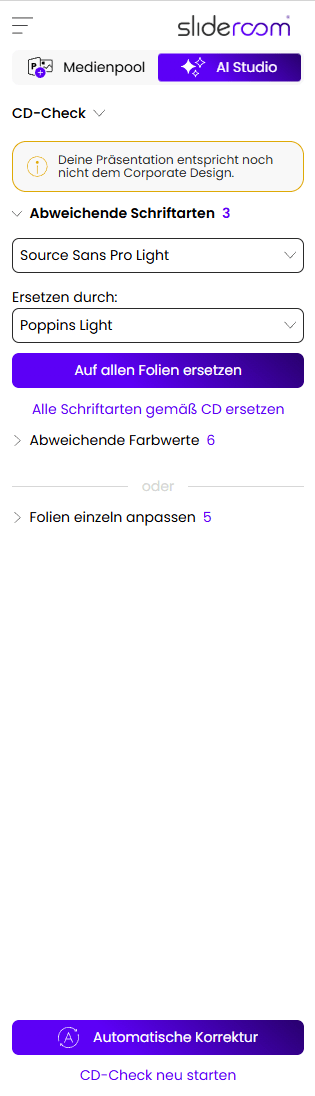
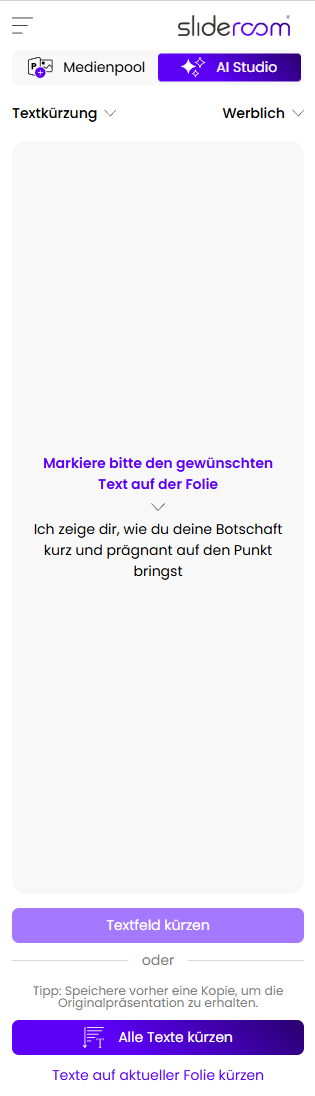
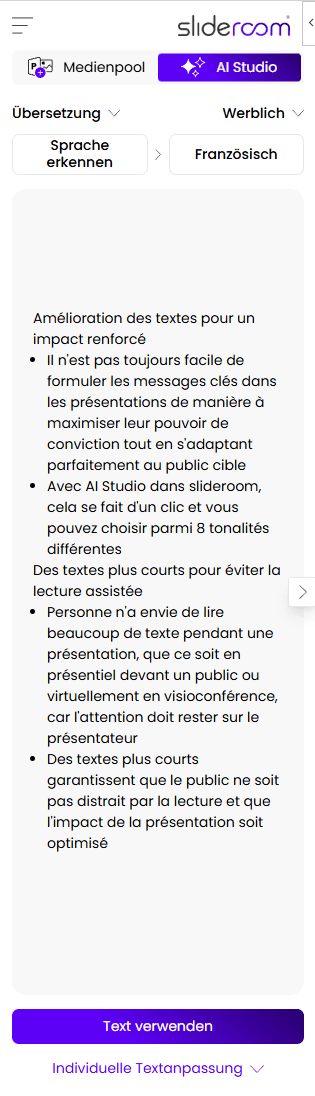
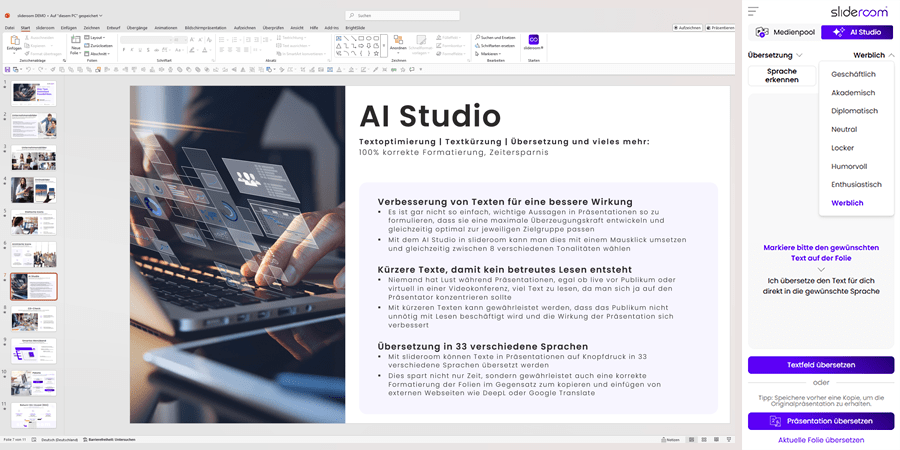
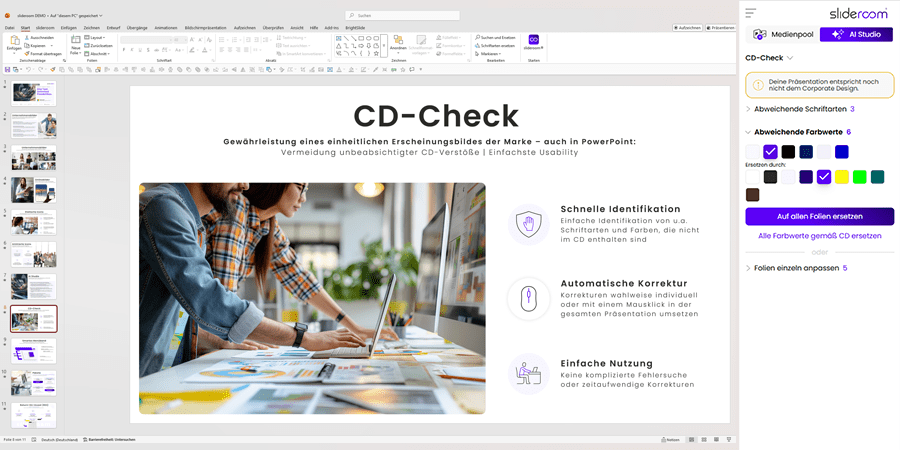
AI Studio: Translations, text optimization, corporate design check and much more.
Choose the right package
We have the right package for every team or company size. The more employees use slideroom, the greater the effect: less unnecessary duplication of work and wasted working time, more effective presentations and uniform slides in the corporate design. Experience has shown that slideroom is useful for all office employees who create a PowerPoint presentation at least once a month.


Unique modules


Explore
Lorem ipsum dolor sit amet, consectetur adipiscing elit. Aliquam luctus lorem eget risus porta vehicula. Donec congue, neque facilisis congue.
Nature
Lorem ipsum dolor sit amet, consectetur adipiscing elit. Aliquam luctus lorem eget risus porta vehicula. Donec congue, neque facilisis congue.
Relax
Lorem ipsum dolor sit amet, consectetur adipiscing elit. Aliquam luctus lorem eget risus porta vehicula. Donec congue, neque facilisis congue.


Highly Customizable
Activate Slider on Hover or Click
Demo 3